


 Get 0.05 TON 💎
Earlier Versions
| Name | Size | Uploaded | Game Version | Downloads | |
| v1.1.3 beta | 247.64 KB | Aug 12, 2016 | 1.10.2 | 4,323 |  Download Download |
| ANSSRPG-1.9.4-v1.1.2.jar beta | 245.43 KB | Jun 26, 2016 | 1.9.4 | 592 | Download |
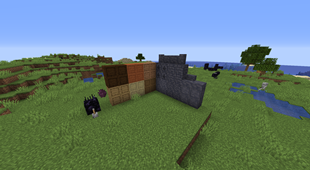
Screenshots


Description
What it is:
ANSSRPG is a mod for Minecraft Forge that provides players, modpackers and server admins the ability to develop their own unique RPG system with player progression without any programming knowledge needed.


How it works:
ANSSRPG boils down to two fundamental concepts.
Skills:
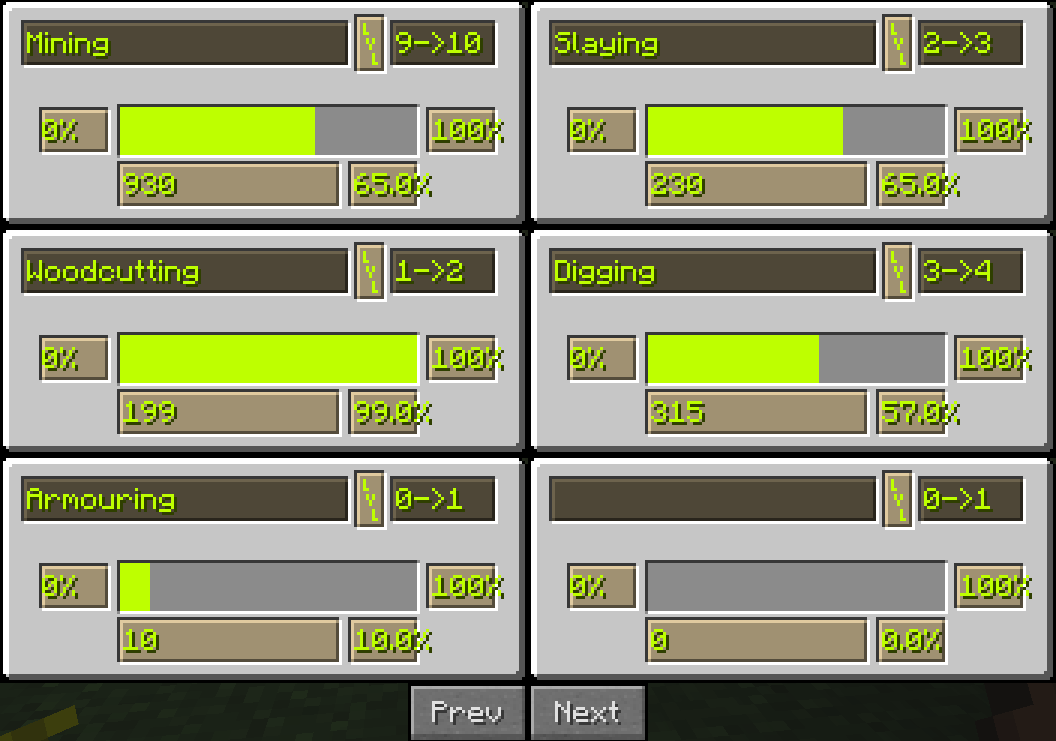
Primarily used to award a player with experience for doing things. For example you can create a 'Mining' skill that provides players with experience for mining ores. For example Iron Ore for 5 experience and Diamond Ore for 50 experience. Skills follow a few preset types but can be combined to create compound skills. All skills have a failure state which allows progression to be handled via the mod (a 'digging' skill will not allow a player to mine a block).
Perks:
Perks come in two flavours: Unlocks and Effects.
Unlock Perks allow failure states to be represented. If a perk if present and the player does not have it they will trigger the failure state, if they do have it however the failure state will not be triggered. If there are no unlock perks defined for 'x' then there will not be a failure state for it.
Effect Perks allow for effects (potion effects at this time) to be applied to players among other things.
[Config and usage guide]
How to report a issue or get help
- Read the wiki and other resources for the mod.
- Read: How to report a bug.
- Using a service like Hastebin (no Dropbox) please upload:
- Any crash reports.
- Console logs (both server.log and forge mod loader(fml) logs).
- All Config files .
- Create a github issue with the following information:
- Description of the issue:
- Steps to reproduce it (How do I make this happen?):
- Steps taken to resolve it (Did I fix it? If so, How?):
- The uploaded logs from step 3.
NOTE: If you're looking for help via IRC read this.
After reading that, you can find me in #disconsented on the Espernet IRC.

Add a comment