


 Get 0.05 TON 💎
Earlier Versions
| Name | Size | Uploaded | Game Version | Downloads | |
| AuroraKeystrokes v1.3.0 (1.18.2) release | 243.33 KB | Mar 6, 2022 | 1.18.2 | 0 |  Download Download |
| AuroraKeystrokes v1.2.4 (mc 1.16.2 | Fabric) release | 412.46 KB | Aug 21, 2020 | 1.16.2 | 33,360 | Download |
| AuroraKeystrokes v1.2.3 (mc 1.16 | Fabric) release | 392.52 KB | Jul 31, 2020 | 1.16.1 | 2,513 | Download |
| AuroraKeystrokes v1.2.1 (mc 1.16 | Fabric) release | 411.46 KB | Jun 26, 2020 | 1.16.1 | 2,368 | Download |
| AuroraKeystrokes v1.2.0 (mc 1.16 | Fabric) release | 408.74 KB | Jun 26, 2020 | 1.16.1 | 175 | Download |
| AuroraKeystrokes v1.0.2 (mc 1.15 | Fabric) release | 390.87 KB | Jan 31, 2020 | 1.15.2 | 5,241 | Download |
| AuroraKeystrokes v1.0.1 (mc 1.15 | Fabric) release | 299.62 KB | Dec 11, 2019 | 1.15.1 | 704 | Download |
| AuroraKeystrokes v1.0.0 (mc 1.14.4 | Fabric) release | 297.97 KB | Nov 25, 2019 | 1.14.4 | 2,856 | Download |
Screenshots
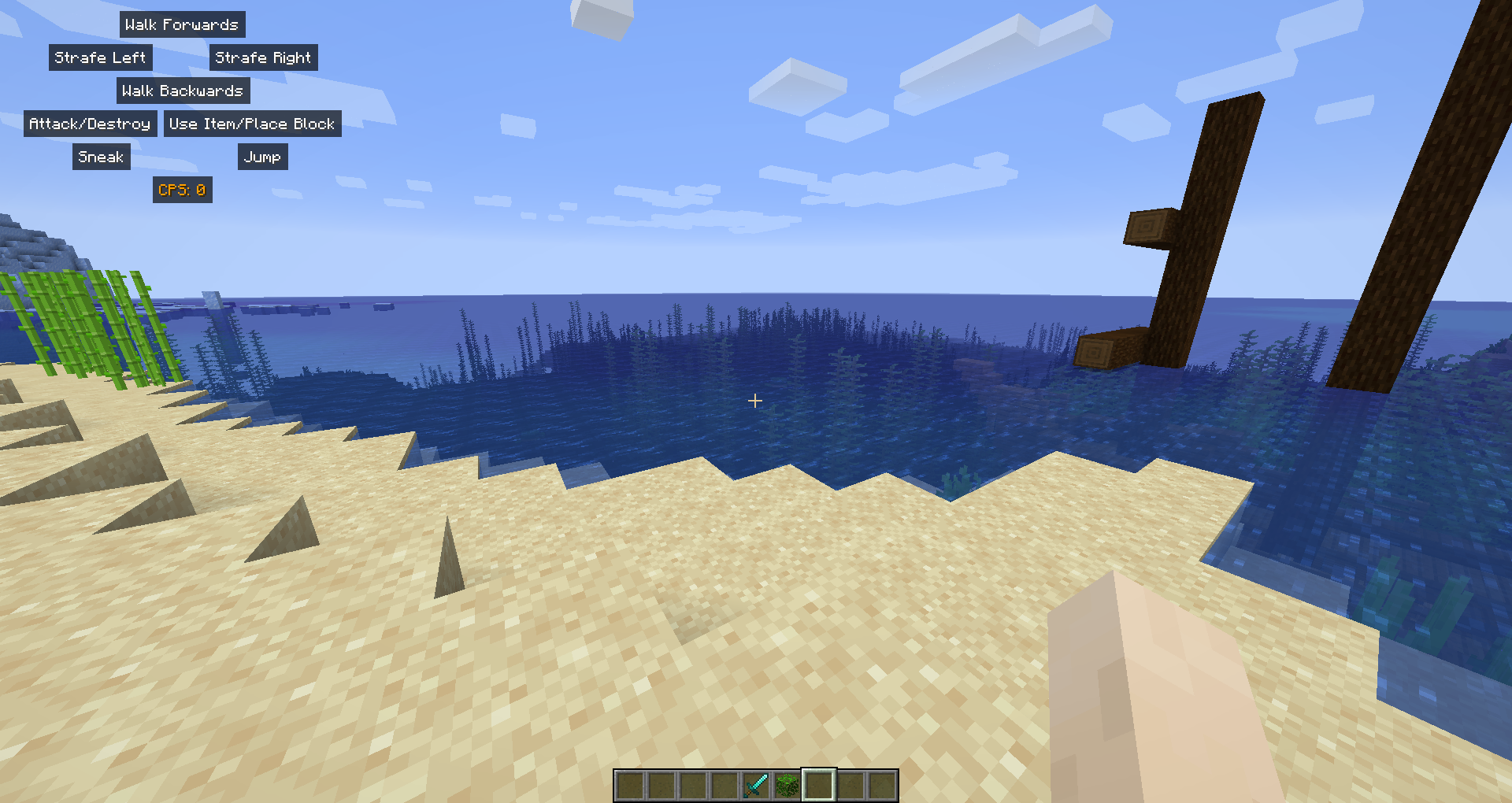
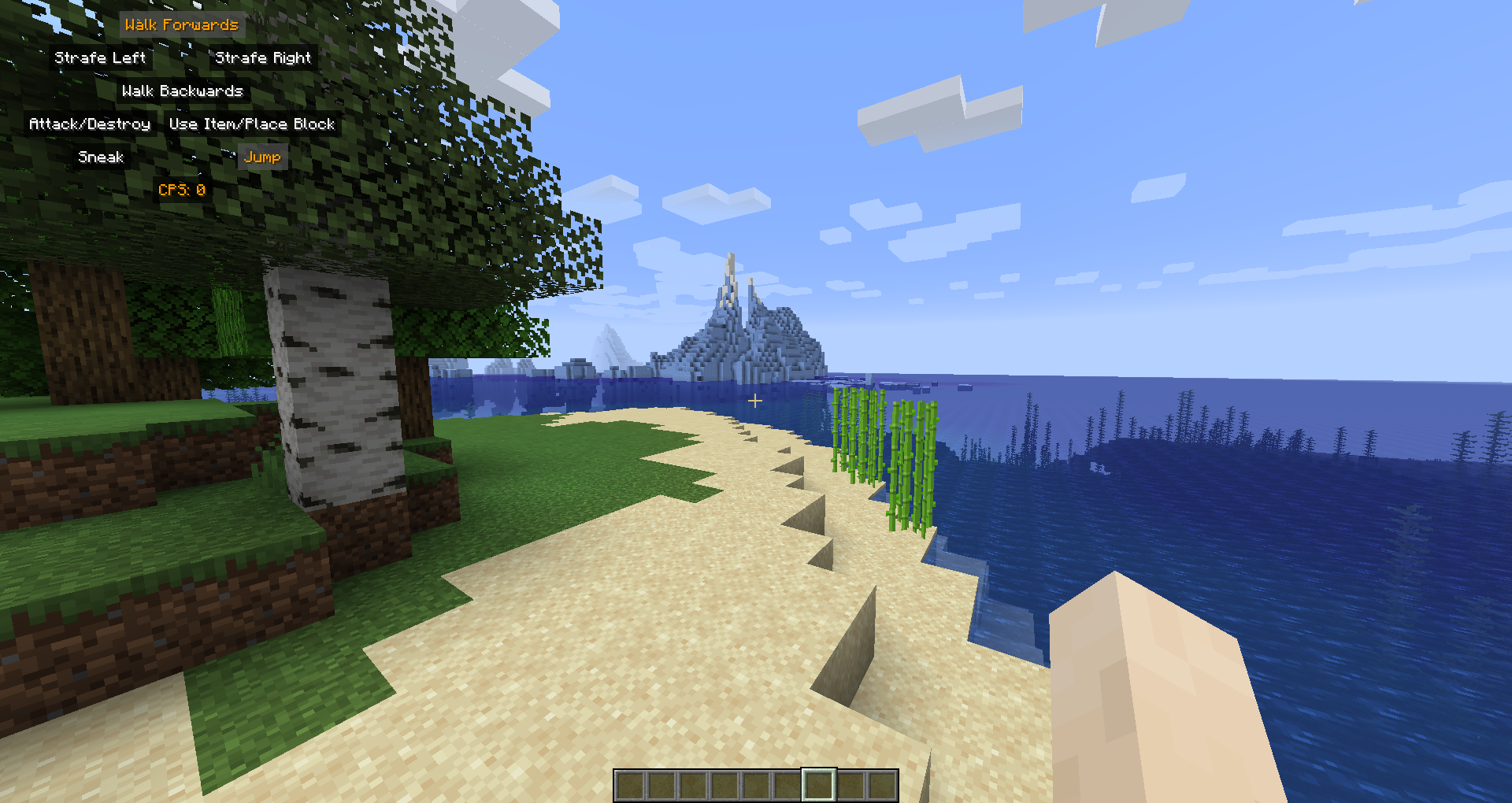


Description
AuroraKeystrokes


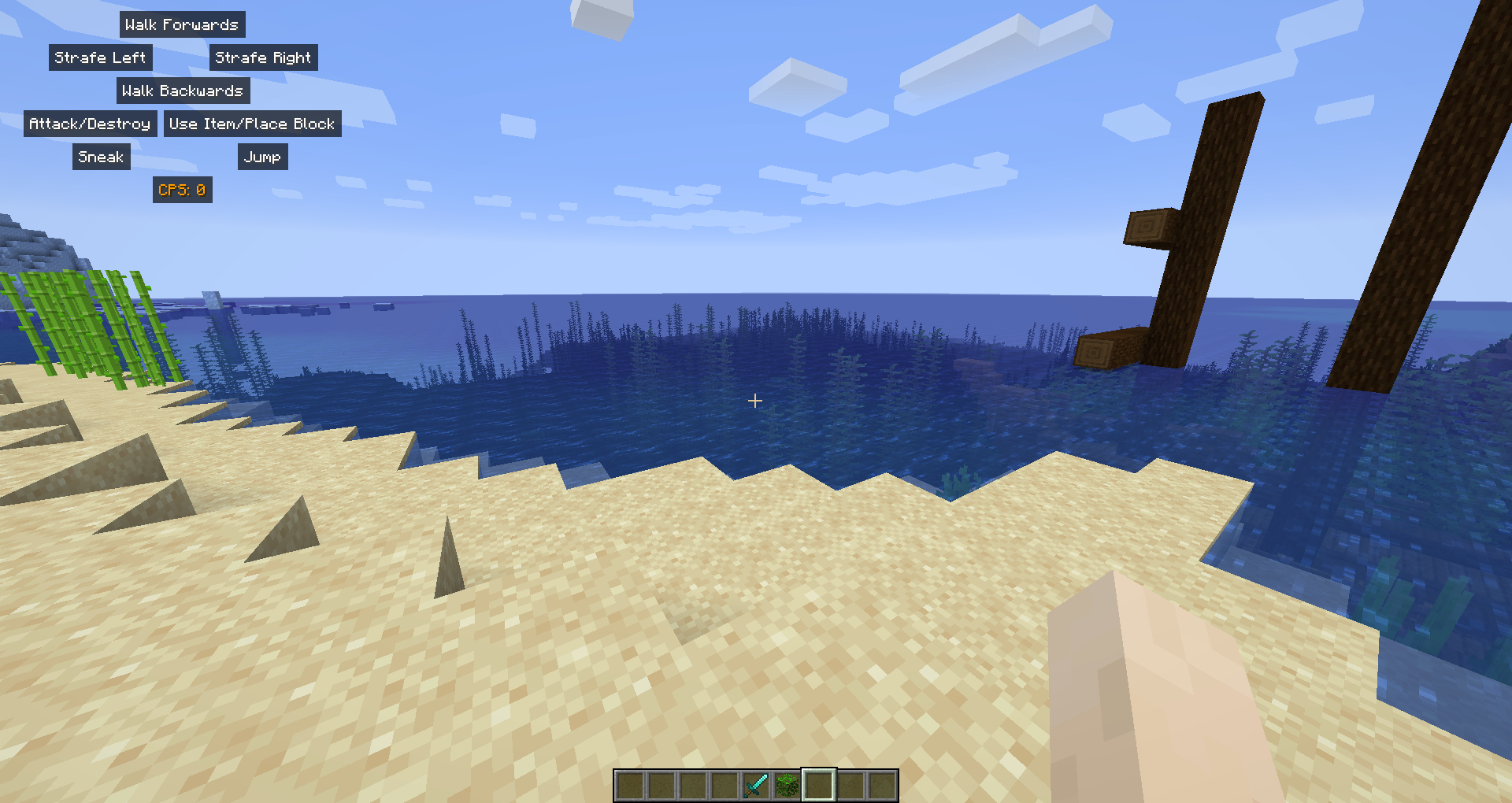
A Fabric mod which displays the movements keys and mouse clicks on the screen.
📖 What's this mod?
Well, it's very simple. It shows which keys/buttons you are pressing on the screen, it also displays the CPS.
It's fully customizable: colors, which buttons to show, where to put the HUD.
📖 Usage
To use this mod it's very simple!
Install it in your mods folder along with Fabric API (and Cotton Client Commands for before v1.2.0).
While in-game you will notice a new HUD: the AuroraKeystrokes' HUD!
To customize it you get two options:
- Edit the file `config/keystrokes.toml` which isn't recommended because you might crash your game.
- Use the configuration GUI which you can access with `/keystrokes`
Other commands available:
- `/keystrokes`: Open the configuration GUI
- `/keystrokes reload`: Reload the configuration file.
- `/keystrokes save`: Save the configuration file.
Add a comment