

 Get 0.05 TON 💎
Earlier Versions
| Name | Size | Uploaded | Game Version | Downloads | |
| BanPlus V3.2 release | 17.91 KB | Jun 6, 2013 | CB 1.5.2-R0.1 | 3,927 |  Download Download |
| BanPlus V.3.1 release | 12.11 KB | May 30, 2013 | CB 1.5.2-R0.1 | 608 | Download |
| BanPlus V3.0 release | 10.49 KB | Apr 6, 2013 | CB 1.5.1-R0.1 | 880 | Download |
| BanPlus V2.0 release | 6.45 KB | Mar 30, 2013 | 1.5.1 | 655 | Download |
| Ban Plus V1.0 release | 3.89 KB | Mar 17, 2013 | 1.5.0 | 646 | Download |
Screenshots
Description
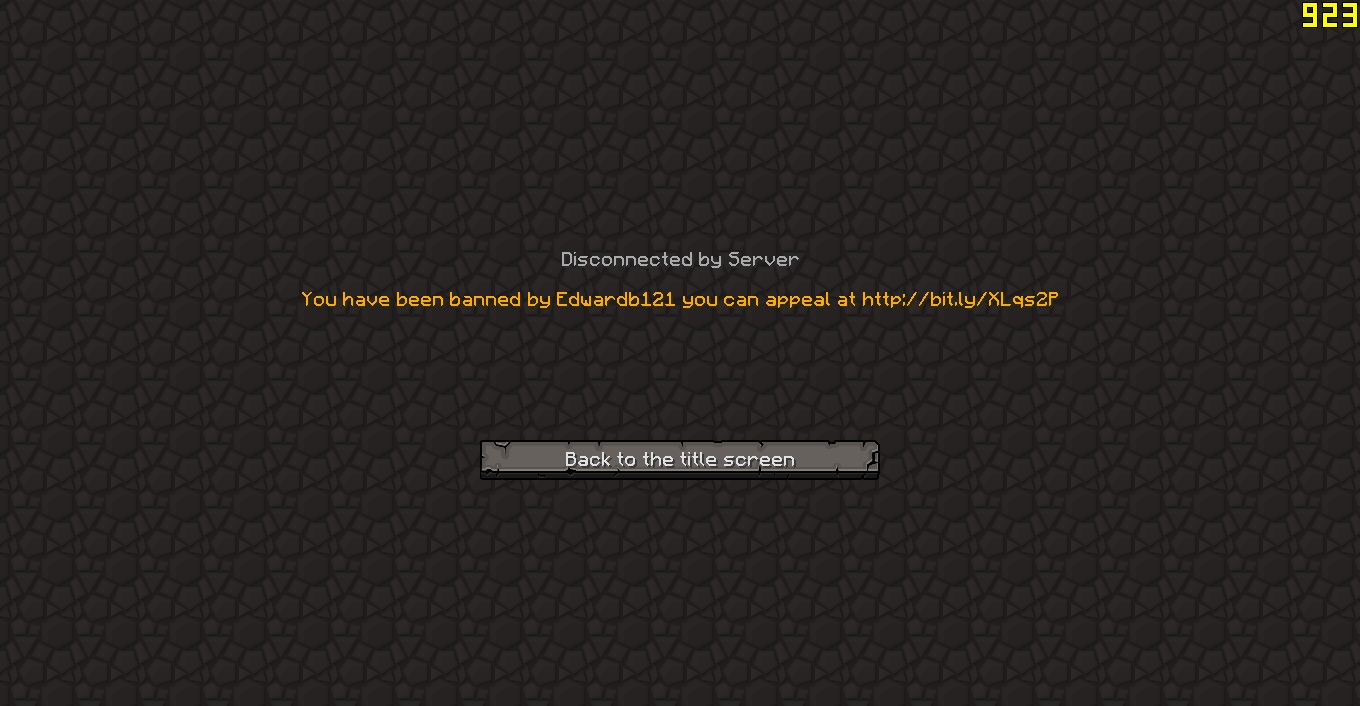
Welcome To My First Banning Plugin. I created this plugin because admins and mods on my server didn't put a ban appeal website in the ban reason so I decided to make this.
NOTICE
When unbanning players with this plugin use the name exactly in the bannedplayers.yml file. If it still says you're banned copy all the players you want to stay banned and delete the bannedplayers.yml file and then reload you're server and paste back in the banned players that you copied.
Features
- Ban Messages
- Appeal website message
- Ban message when re logging in to the server
Commands
/banp – This is the main command that will ban the player.
/kickp – This command will kick the player.
/banpreload – Reloads the configuration file.
/unbanp – Unbans the player you specify.
Permissions
banplus.ban – People with this permission can only ban players.
banplus.kick – People with this permission can only kick players.
banplus.reload – People with this permission can reload the config
banplus.unban – Players with this permission can unban players that are banned.
Configuration
BanAppealWebsite – Insert website where players can make a ban appeal
Installation
Step 1. Download the latest file from the top right of this page
Step 2. Drag and drop the file into your plugins file located in your server directory
Step 3. Reload or restart your server.
TODO
Nothing Else To Add. Got a Idea? Send me a message or leave a comment.
How To Use And Install
FAQ and Donating
FAQ Page Here
If you would like to donate to me then click here – Paypal Link
Help
If anyone know how to do a temp ban system can you please contact me
Thanks
Thanks and I hope you enjoy



Add a comment