

 Get 0.05 TON 💎
Earlier Versions
| Name | Size | Uploaded | Game Version | Downloads | |
| MinecraftChess 2.0 release | 502.26 KB | Mar 3, 2021 | 1.16 | 61 |  Download Download |
| MinecraftChess 2.0 release | 502.45 KB | Feb 4, 2021 | 1.16 | 38 | Download |
| MinecraftChess 1.9.jar release | 157.81 KB | Nov 14, 2020 | 1.16 | 42 | Download |
| MinecraftChess 1.8.jar release | 153.76 KB | Oct 3, 2020 | 1.16 | 22 | Download |
| MinecraftChess 1.4 release | 133.38 KB | Sep 6, 2020 | 1.16 | 22 | Download |
| MinecraftChess 1.1 release | 114.67 KB | Aug 13, 2020 | 1.16 | 8 | Download |
| MinecraftChess 1.0 release | 114.08 KB | Aug 12, 2020 | 1.16 | 14 | Download |
| MinecraftChess 1.7.jar alpha | 153.75 KB | Oct 2, 2020 | 1.16 | 3 | Download |
| MinecraftChess 1.6.jar alpha | 153.74 KB | Sep 16, 2020 | 1.16 | 4 | Download |
Screenshots
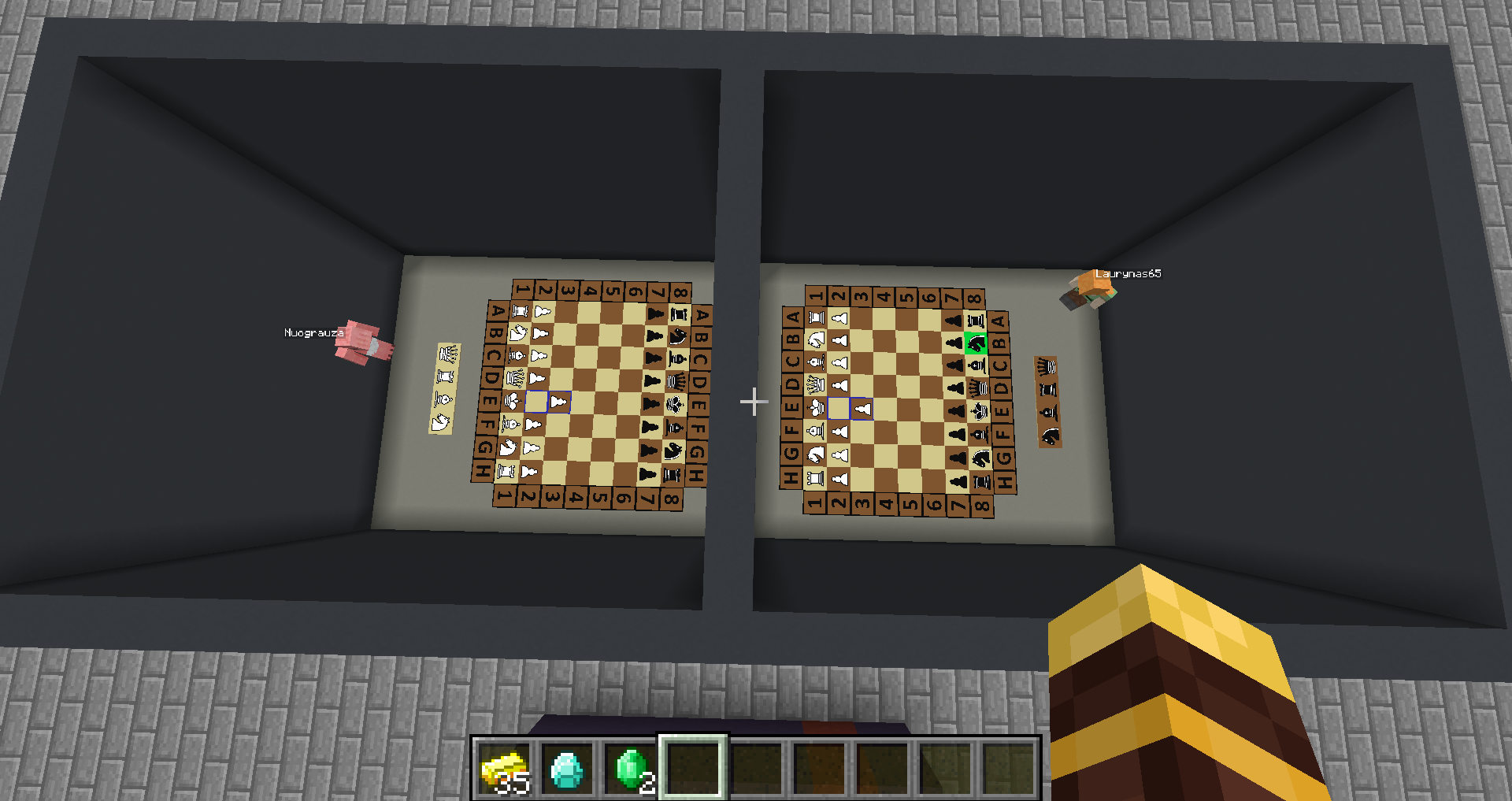
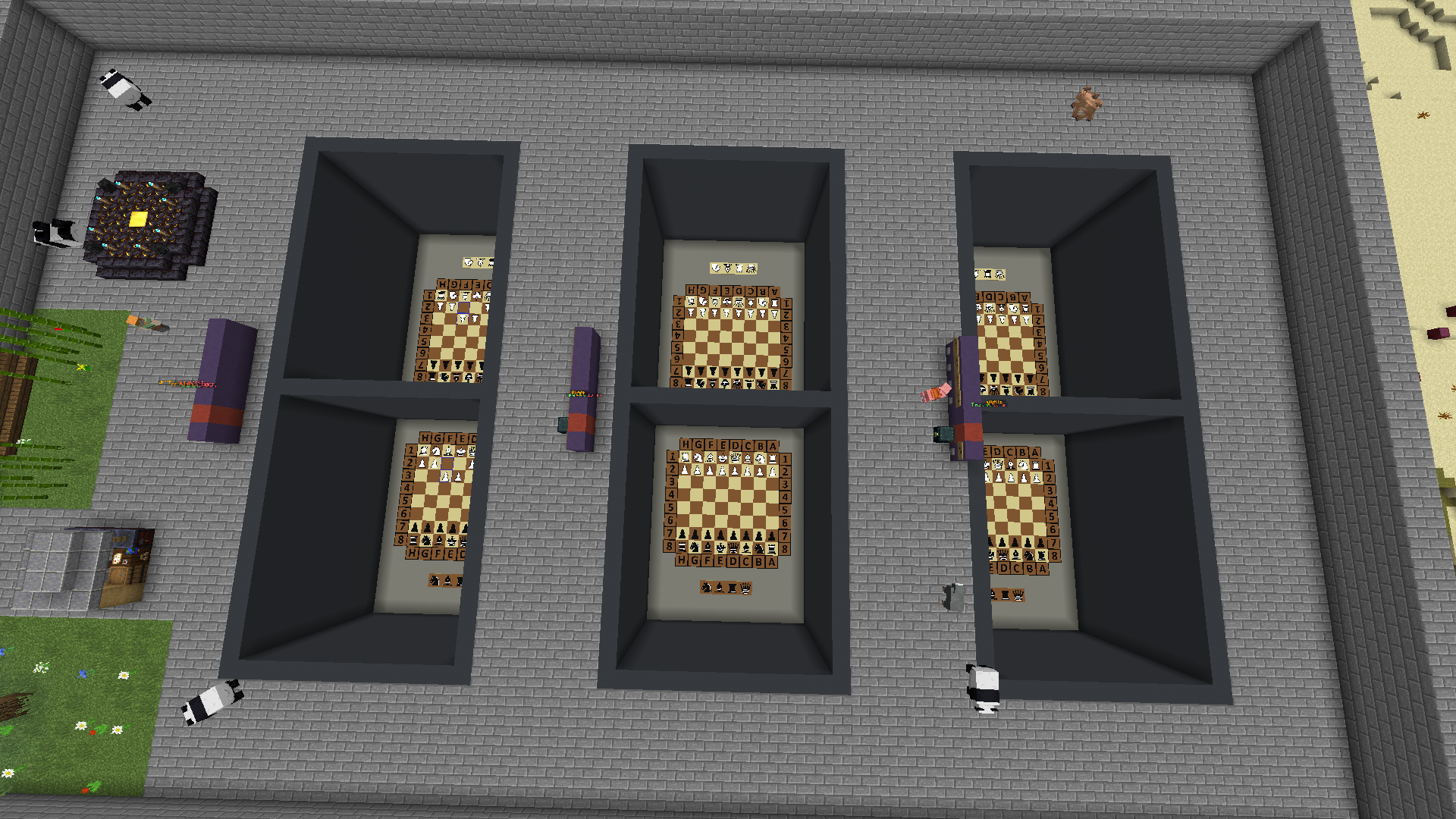
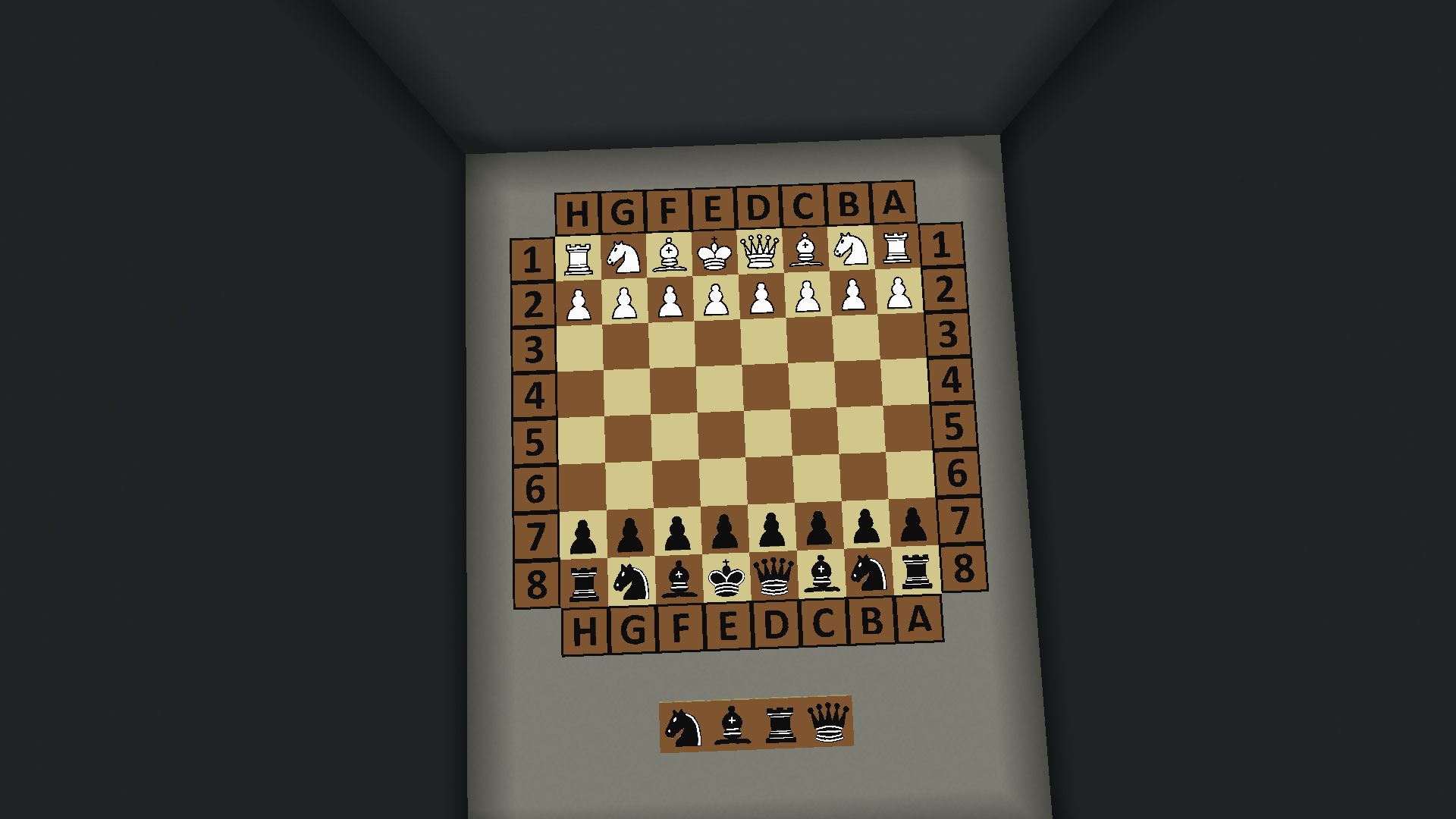

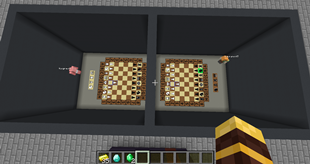
Description
CHESS
Features:
- Complete implementation of the rules of chess game.
- The plugin has in-game configuration commands.
- The plugin uses Elo-rating system to calculate player rating.
- Chess tiles are made from item frames and maps in them.
- Boards have additional 8 (4 for each player) tiles for pawn promotion.
- Boards have surrender buttons.
- Every text and word in the plugin can be changed. You can translate the plugin into your language.
- To make a move, all you have to do is left-click on board.
- Multiple boards can be created.
- Plugin has a betting system (multiple join buttons can be created for each board with or without the selected bet)
- Hologram text with game info can be set
-
- Adjustable chess timer.
- At the start of the game, players get a levitation effect (if set), so there must be a ceiling above the boards. I recommend making those ceilings out of barrier blocks or glass blocks so other players can watch the game
- When a player leaves the server during a game, the opponent instantly wins.
- Boards edges can be disabled.
- Images of chess pieces can be changed(You can replace my images with your own. Images must be 128×128 pixels, in .png format and with the same name).
Commands:
- /mchess createboard <board name>
- /mchess removeboard <board name>
- /mchess info
- /mchess enableboardedges <true/false>
- /mchess board <board name> hologram set <x> <y> <z>
- /mchess board <board name> hologram remove
- /mchess board <board name> info
- /mchess board <board name> joinbutton add <button name>
- /mchess board <board name> joinbutton remove <button name>
- /mchess board <board name> joinbutton removebet <button name>
- /mchess board <board name> joinbutton setbet <button name> <material> <amount>
- /mchess board <board name> setwhitestartlocation <x> <y> <y>
- /mchess board <board name> setblackstartlocation <x> <y> <y>
- /mchess board <board name> setoutlocation <x> <y> <y>
- /mchess board <board name> setcancelbutton <x> <y> <y>
- /mchess board <board name> setlevitation <true/false>
- /mchess board <board name> timelimit set <minutes>
- /mchess board <board name> timelimit remove
- /chessratings top
- /chessratings player <player name>
Permissions:
minecraftchess.configcommands
Board creation:
Installation:
- Download MinecraftChess
- Move the MinecraftChess.jar into your plugins folder
- Run your server
- Use plugin commands to set up boards.
Any donation for this work and future updates will be greatly appreciated.



Add a comment