


 Get 0.05 TON 💎
Earlier Versions
| Name | Size | Uploaded | Game Version | Downloads | |
| compacthelpcommand_1.18.1-1.2.jar release | 9.86 KB | Dec 11, 2021 | 1.18.1 | 3,422 |  Download Download |
| compacthelpcommand_1.18.1-1.1.jar release | 9.38 KB | Dec 11, 2021 | 1.18.1 | 14 | Download |
| compacthelpcommand_1.18.0-1.1.jar release | 9.34 KB | Nov 30, 2021 | 1.18 | 2,101 | Download |
| compacthelpcommand_1.17.1-1.1.jar release | 9.33 KB | Sep 4, 2021 | 1.17.1 | 4,853 | Download |
| compacthelpcommand_1.16.5-1.1.jar release | 9.28 KB | Sep 4, 2021 | 1.16.5 | 3,105 | Download |
| compacthelpcommand_1.12.2-1.1.jar release | 8.34 KB | Sep 4, 2021 | 1.12.2 | 180 | Download |
| compacthelpcommand_1.17.1-1.0.jar release | 9.06 KB | Aug 15, 2021 | 1.17.1 | 44 | Download |
| compacthelpcommand_1.16.5-1.0.jar release | 9.03 KB | Aug 15, 2021 | 1.16.5 | 71 | Download |
| compacthelpcommand_1.12.2-1.0.jar release | 8.18 KB | Aug 15, 2021 | 1.12.2 | 45 | Download |
Description


Requires the library mod Collective.
This mod is part of The Vanilla Experience.
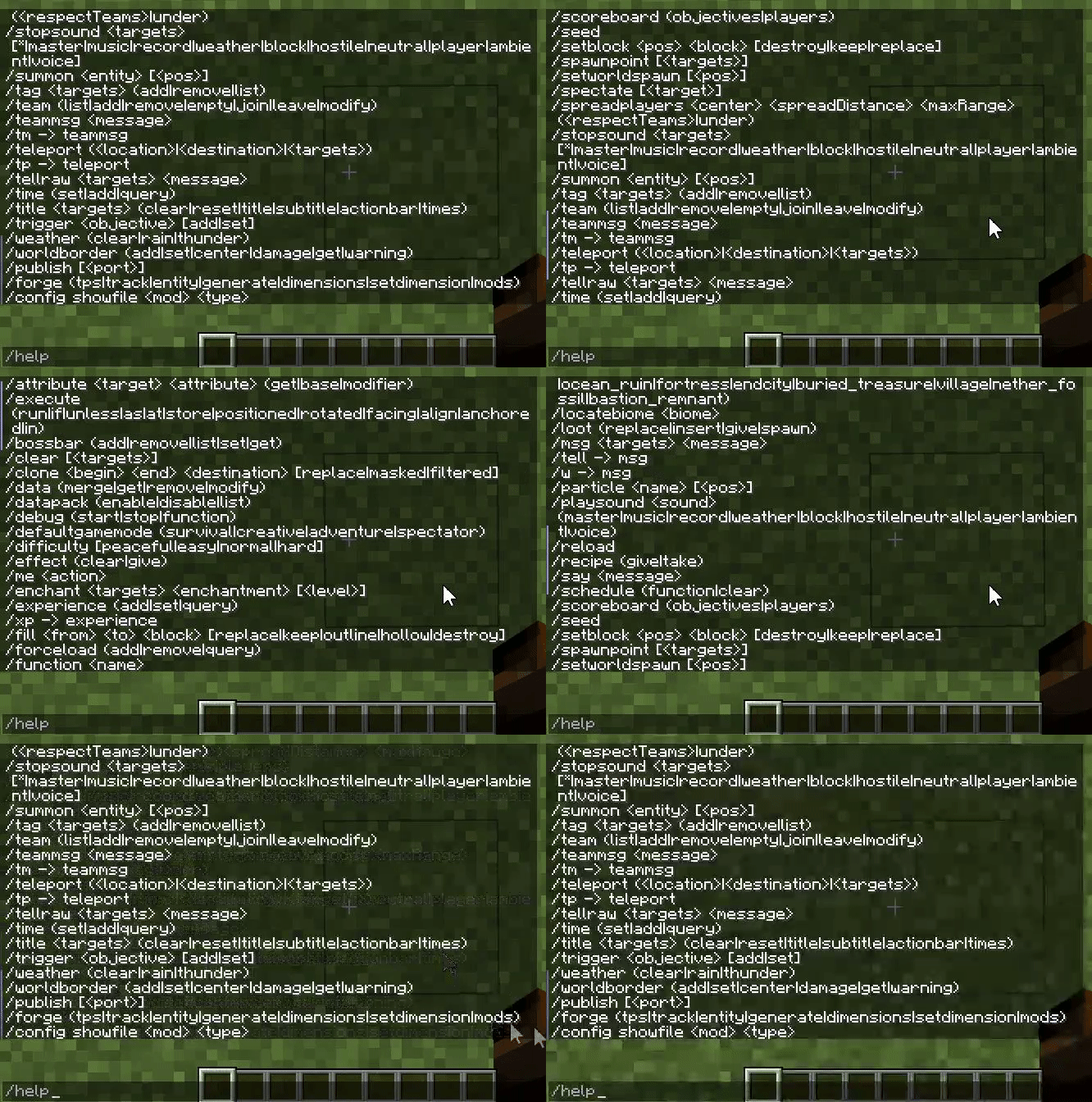
Compact Help Command is a mod which fixes the issue of the in-game /help command not doing what it's supposed to do. Without the mod, the output is a long list of all white text and not sorted alphabetically. When users try to use the command with more mods installed, the list might even be longer than the maximum amount of text which can be shown. The result is loss of information.
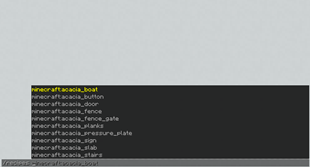
With the mod, the long list of commands is sorted and split into pages. Via /help <page> you can go through all commands, which are also more easily readable via different text colours. Those colours and the amount of commands shown per page can be changed in the config. See below for example images.
Configurable: ( how do I configure? )
addVerticalBarSpacing (default = true): When enabled, adds a space in front and behind a vertical bar in the subcommands.
amountCommandsPerPage (default = 8, min 1, max 50): The message which will be sent to players when they use the /vote command.
The possible colour code values in the next config lines are; 0: black, 1: dark_blue, 2: dark_green, 3: dark_aqua, 4: dark_red, 5: dark_purple, 6: gold, 7: gray, 8: dark_gray, 9: blue, 10: green, 11: aqua, 12: red, 13: light_purple, 14: yellow, 15: white.
commandColour (default = 2, min 0, max 15): The colour of the command in /help.
subcommandColour (default = 7, min 0, max 15): The colour of the subcommand in /help.
Examples
The problematic /help command before the mod:
What the mod changes the /help command in to:


Add a comment