


 Get 0.05 TON 💎
Earlier Versions
| Name | Size | Uploaded | Game Version | Downloads | |
| Cosmetica 1.1.1 1.19.1 release | 422.09 KB | Aug 1, 2022 | 1.19.1 | 3 |  Download Download |
| Cosmetica 1.1.1 1.19 release | 420.12 KB | Jun 13, 2022 | 1.19 | 3,109 | Download |
| Cosmetica 1.1.1 1.18.2 release | 407.18 KB | May 3, 2022 | 1.18.2 | 4,588 | Download |
| Cosmetica 1.1.1 1.18.1 release | 392.88 KB | May 3, 2022 | 1.18.1 | 603 | Download |
| Cosmetica 1.1.0 1.18.2 release | 392.36 KB | Mar 14, 2022 | 1.18.2 | 3,778 | Download |
| Cosmetica 1.1.0 1.18.1 release | 389.99 KB | Mar 14, 2022 | 1.18.1 | 1,366 | Download |
| Cosmetica 1.0.0 1.17 release | 364.90 KB | Feb 18, 2022 | 1.17.1 | 683 | Download |
| Cosmetica 1.0.0 1.18 release | 364.44 KB | Feb 18, 2022 | 1.18.1 | 503 | Download |
Description
Cosmetica
Cosmetica lets you customize your player on a whole new level using custom capes, hats, shoulder buddies, and more!
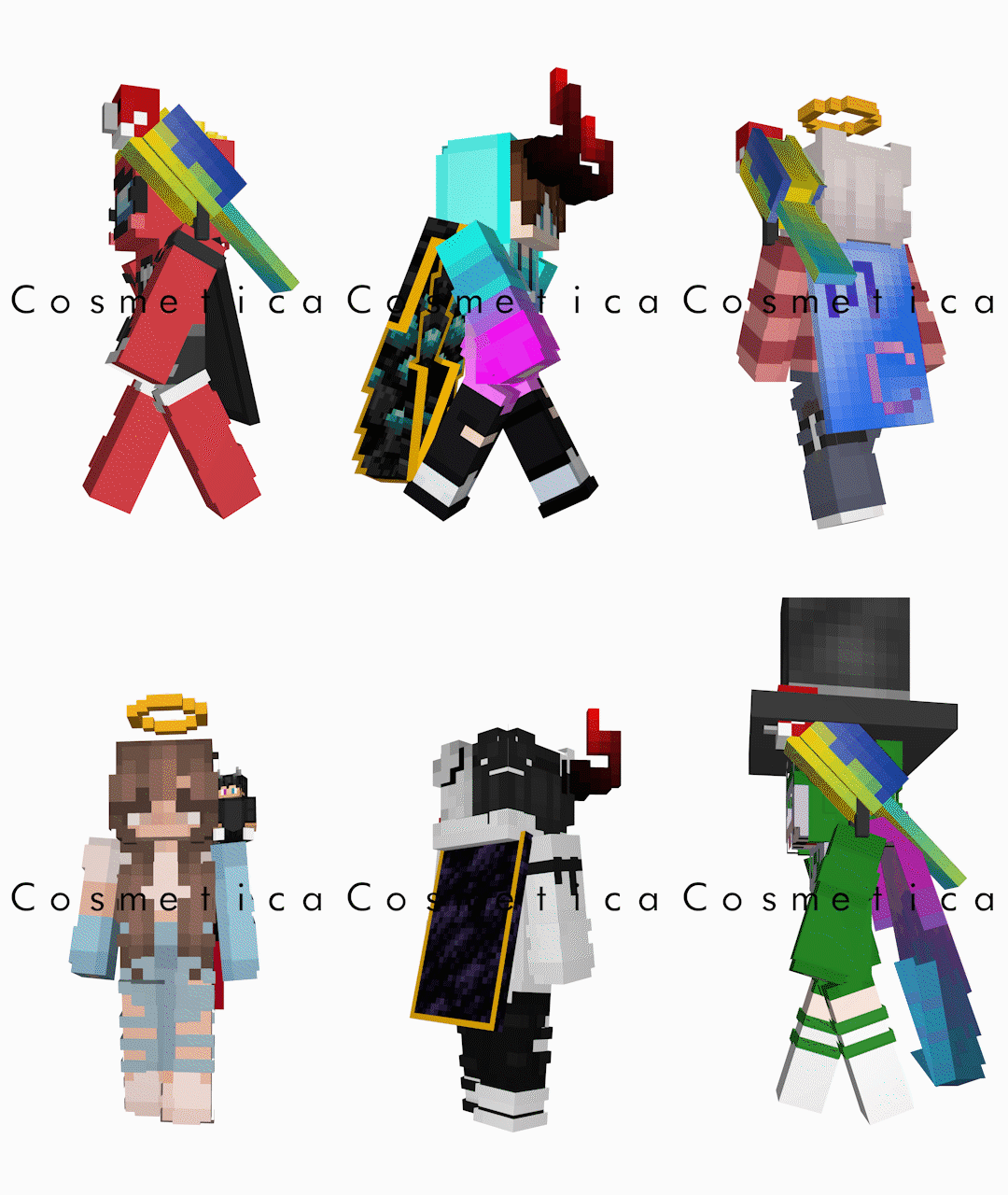
Features
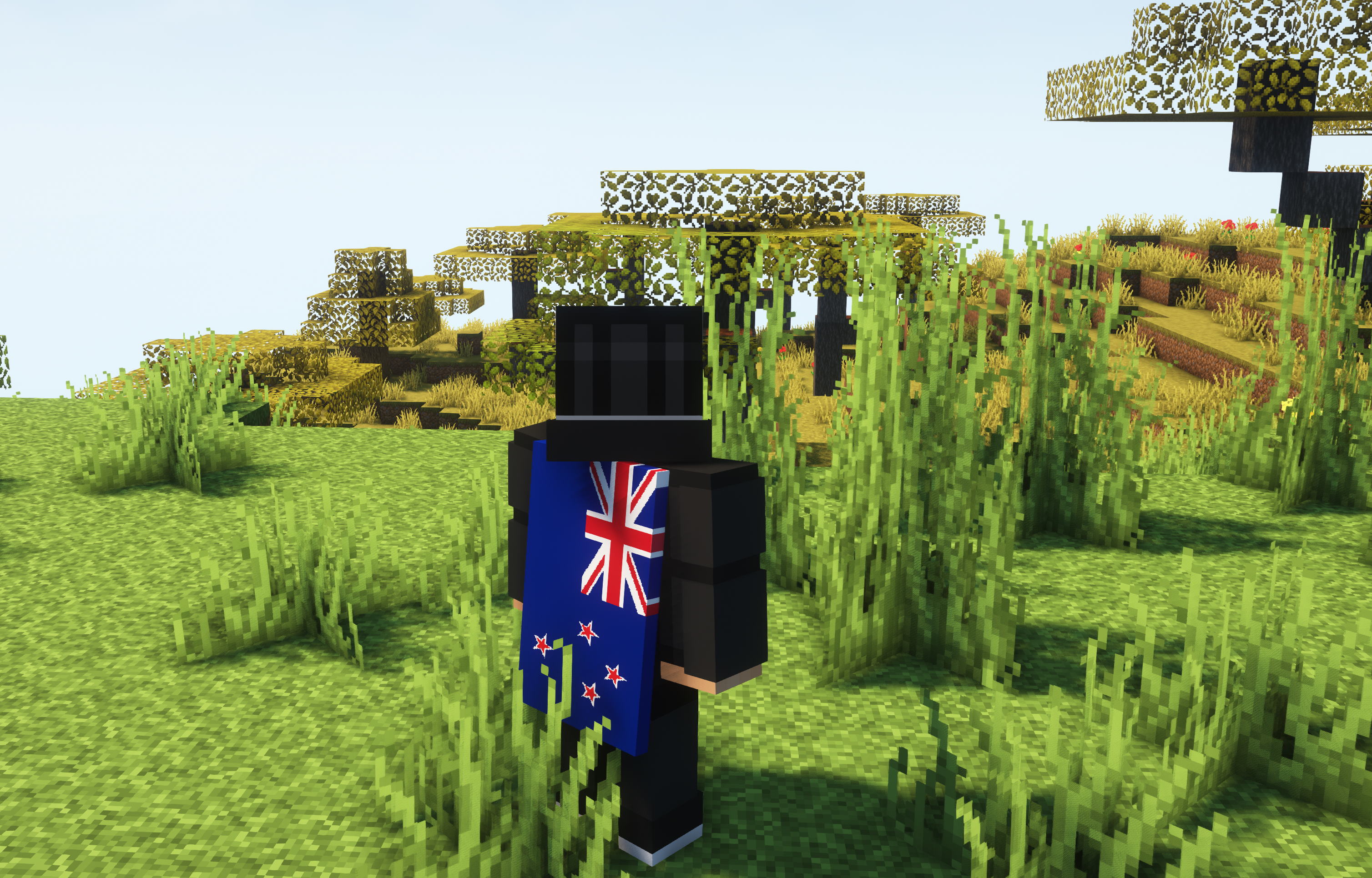
- Custom legal capes and elytras up to 2048×1024 resolution.
- Custom hats.
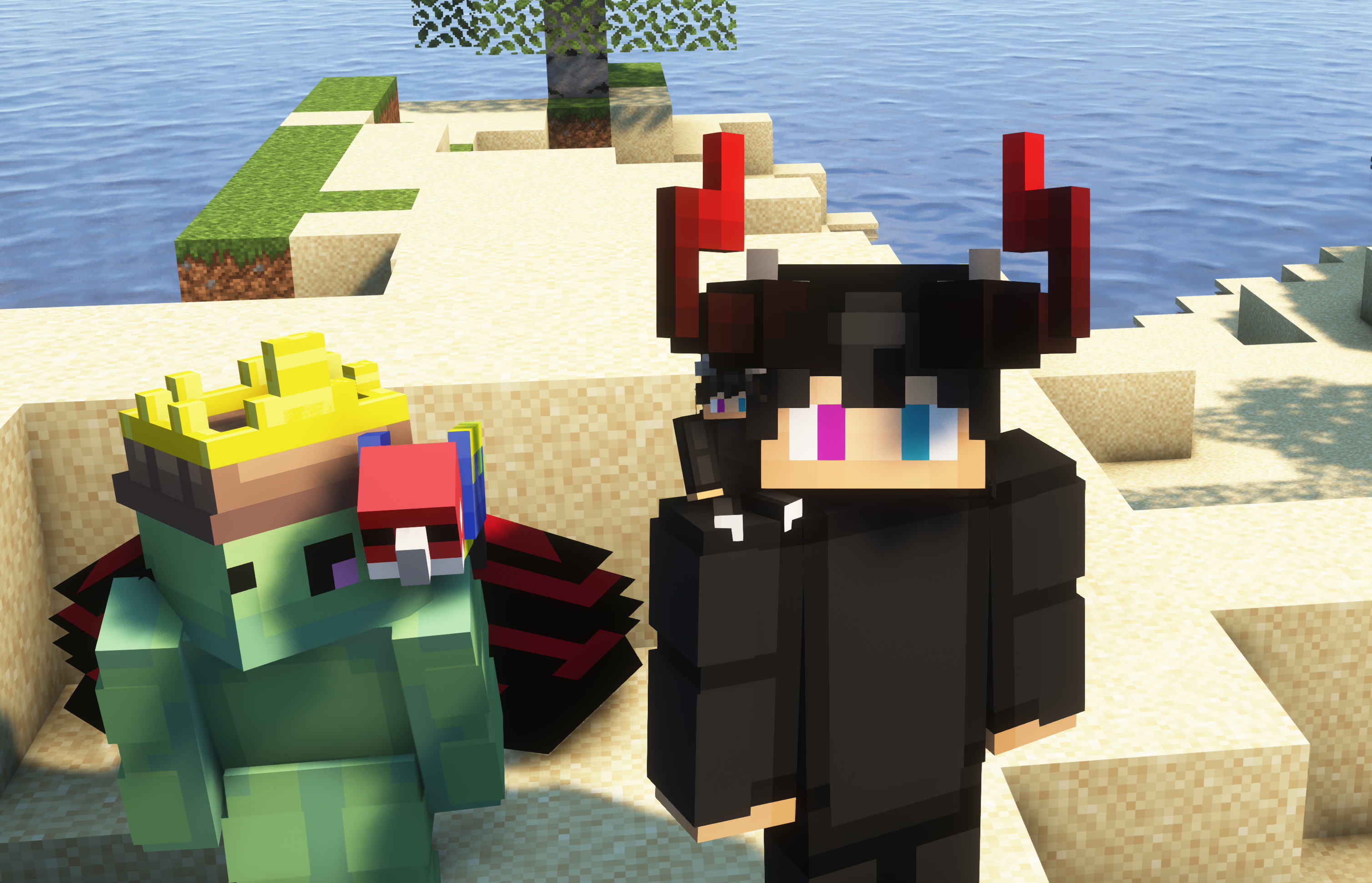
- Custom shoulder buddies.
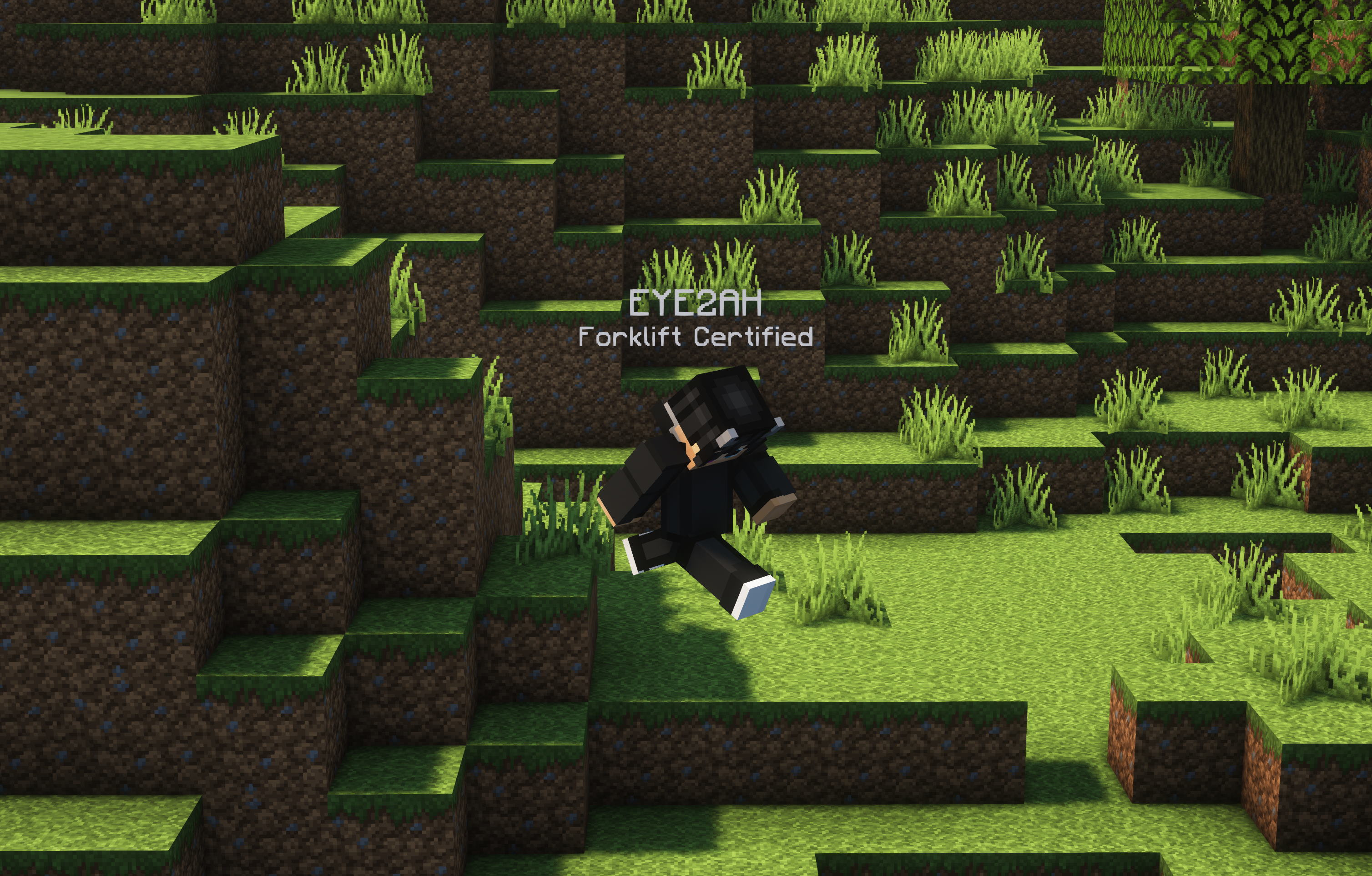
- Custom lore (a second nametag above your head) to show your Discord tag, Twitch URL, pronouns, or title.
- Interactive online catalog of all our cosmetics to easily browse and preview cosmetics on your skin before equipping.
- Support for third party capes from Cloaks+, Optifine, LabyMod, Mantle, MinecraftCapes.net, Arc, Wyntills and 5zig (all individually configurable).
- Advanced secure and easy to use login system that doesn’t even require you to enter a password.
- Upload your own capes, hats and shoulder buddies.
- Make your own hats and shoulder buddies in BlockBench.
- Region specific effects (optional) that apply cosmetic effects to players based on their country of origin.
- Nearly all features are disableable.
- Test all custom models (hats/shoulder buddies) in-game before uploading to Cosmetica.
- All cosmetics are free.
Screenshots
In-game kitted out with Cosmetica
High definition cape
Example of lore
Installation
Make sure you have the latest version of Fabric loader installed. Afterwards, all you need to do is simply drop the mod into your mods folder.
Customizing Cosmetics
Cosmetica replaces the Skin Customization screen with all new Cosmetica settings. From here, click Customize Cosmetics to open the Cosmetica catalog where you can modify your cosmetics. Click Reload Cosmetics and then Done for your changes to take effect.
Showcase
Reporting Issues
Please use the issue tracker linked at the top of the page to report bugs, crashes, and other issues.
Connect With Us
If you have any questions or want to connect with us and our community, join our Discord server! You can find all our social media at the bottom of cosmetica.cc.
Add a comment