

![minecraft mod Easy Magic [Fabric]](https://minecraftpatch.com/wp-content/themes/template/img/nopicSani.png)
 Get 0.05 TON 💎
Earlier Versions
| Name | Size | Uploaded | Game Version | Downloads | |
| EasyMagic-v3.2.1-1.18.1-Fabric.jar +1 More release | 76.93 KB | Dec 25, 2021 | 1.18.1 | 141,757 | ![download Easy Magic [Fabric] EasyMagic-v3.2.1-1.18.1-Fabric.jar
+1 More release](https://minecraftpatch.com/wp-content/themes/template/img/download.png) Download Download |
| EasyMagic-v3.2.0-1.18.1-Fabric.jar +1 More release | 76.84 KB | Dec 15, 2021 | 1.18.1 | 72,167 | Download |
| EasyMagic-v3.1.0-1.18.1-Fabric.jar +1 More release | 72.77 KB | Dec 12, 2021 | 1.18.1 | 9,581 | Download |
| EasyMagic-v3.0.0-1.18-Fabric.jar +1 More release | 72.75 KB | Dec 2, 2021 | 1.18 | 68,470 | Download |
| EasyMagic-v2.0.2-1.17.1-Fabric.jar +1 More release | 73.02 KB | Nov 23, 2021 | 1.17.1 | 18,971 | Download |
| EasyMagic-v2.0.1-1.17.1-Fabric.jar +1 More release | 74.51 KB | Nov 17, 2021 | 1.17.1 | 19,207 | Download |
| EasyMagic-v2.0.0-1.17.1-Fabric.jar +1 More release | 74.20 KB | Nov 16, 2021 | 1.17.1 | 88 | Download |
Description





📖 About:
Easy Magic enables enchanting tables to retain their inventory contents even after closing the interface.
📚 Contents:
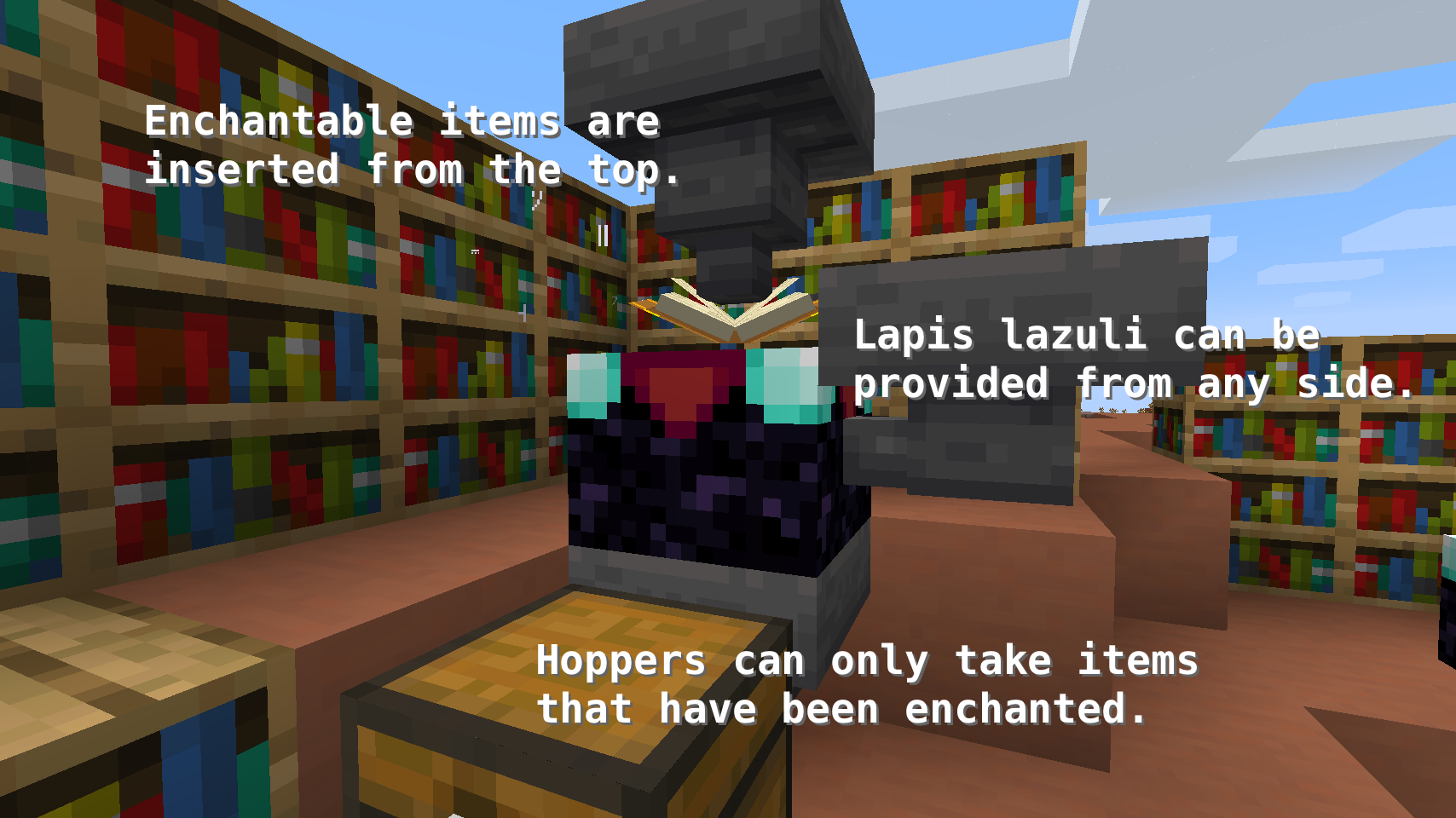
Enchanting tables now have an Inventory, meaning any items placed in their two slots will stay in those slots. Additionally, to enable some basic automation, Hoppers can be used to input and output items in the following ways.
- Top: Input for enchantable items
- Sides: Input for lapis lazuli
- Bottom: Output for enchanted items
And Comparators work, too! They will output a signal strength of 0, 1, 2, or 3 depending on the amount of lapis lazuli items placed in the table. More than 3 items don't make a difference.
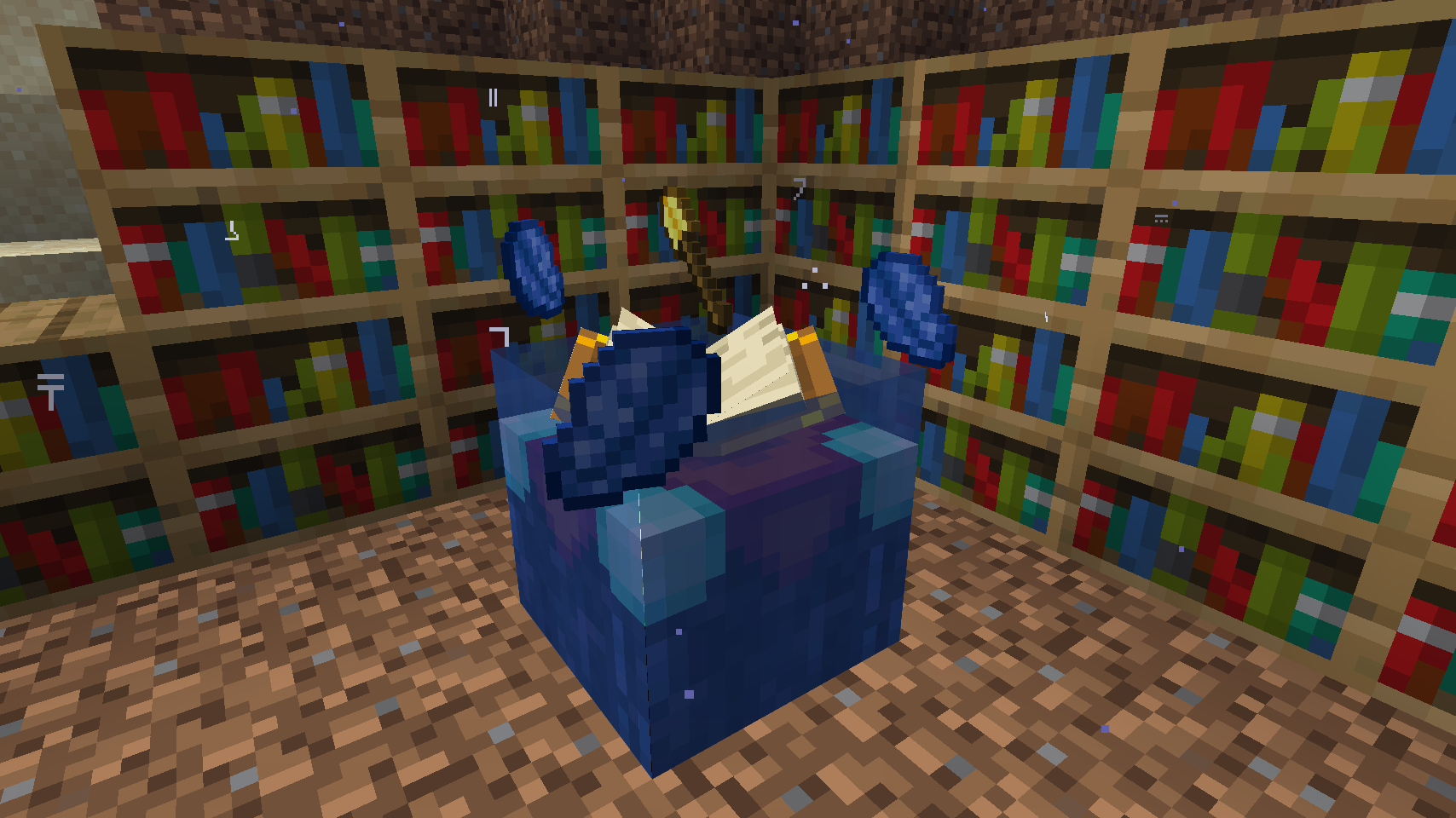
To put the new inventory capability to good use, enchanting tables will Render Their Contents in the world. There are three different rendering modes to choose from.
Re-Rolling Enchantments has become extremely easy. Just like back in the day all that's required is to take your enchantable item from its slot and to place it back in.
Enchanting tooltips will show not just a single random enchantment, instead they show the Complete Outcome of the enchanting process. This feature is disabled by default.
Bookshelves no longer require Air Blocks between themselves and the enchanting table to count towards the current enchanting power. Instead, any block without a collision box, such as water, torches, or grass can be placed in between. Also the Number Of Bookshelves required for maximum level enchantments can be configured.
📷 Media:
 |
 |
|
| All, one or no enchantments can be shown on the tooltip | Render Enchanting Table Contents "Fancy Floating" option | |
 |
 |
|
| Render Enchanting Table Contents "Floating" option | Render Enchanting Table Contents "Flat" option | |
 |
 |
|
| Enchanting with bookshelves works underwater | A semi-automated setup for bulk enchanting using hoppers | |
💡 FAQ:
Q: How do I configure this mod?
A: Install Mod Menu by ProspectorDev and do it directly in-game!
Q: I just installed Easy Magic and it's not working!
A: No new capabilities will be added to existing enchanting tables. You will need to manually break and replace the block. Same goes for converting enchanting tables back to vanilla after removing the mod.
🏆 Credits:
Developing Easy Magic was helped and inspired by:
- Vazkii for the floating inventory contents rendering code taken from their Botania mod


 |
 |
|
Add a comment