

 Get 0.05 TON 💎
Earlier Versions
| Name | Size | Uploaded | Game Version | Downloads | |
| EayNote 1.0 release | 14.33 KB | Jun 13, 2022 | 1.19 | 2 |  Download Download |
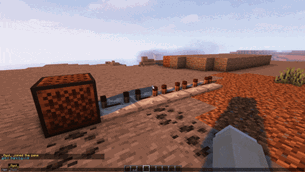
Screenshots


Description
해당 플러그인은 아직 개발 중인 플러그인 입니다.
사소한 버그나 오류가 있을 수 있습니다… (っ °Д °;)っ
English is not supported yet.. ????
The English description is at the bottom of the page.
EasyNote 플러그인은 “노트블록” 을 보다 간편하고 쉽게 사용할 수 있도록 도와줍니다!
나만의 노트블록 곡을 쉽게 만들어봅시다!
EasyNote 의 주요 특징
♪ 노트블록 GUI 의 추가
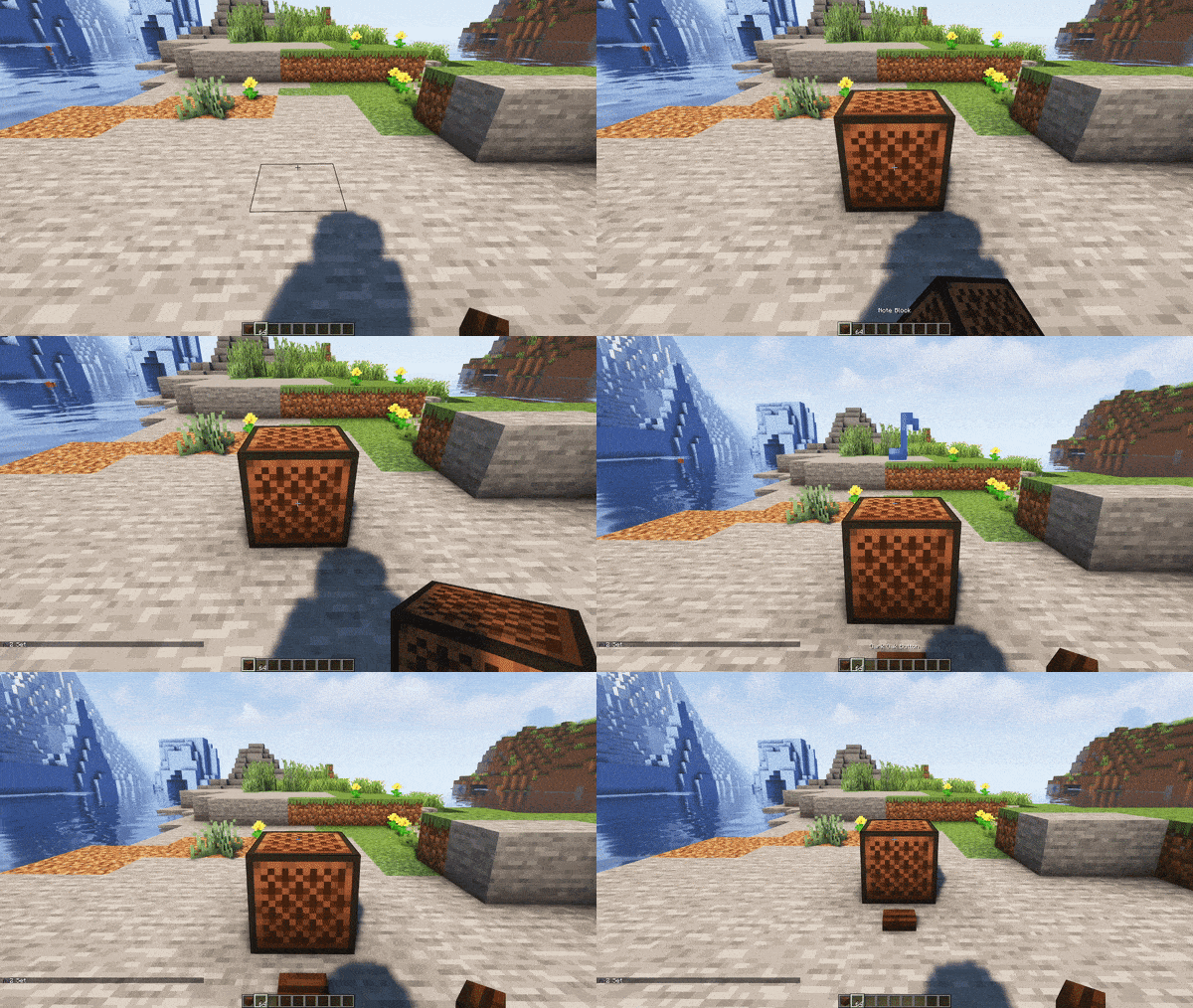
– 노트블록을 우클릭하게 되면 노트블록의 음이 조정되는 것이 아닌 GUI가 열리게 됩니다!
– GUI에서 간편하게 노트블록의 음과 악기를 변경해봅시다!
♪ 네 개의 명령어 추가
– 네 개의 명령어가 추가됩니다. 명령어의 기본 구조는 “/en” 입니다.
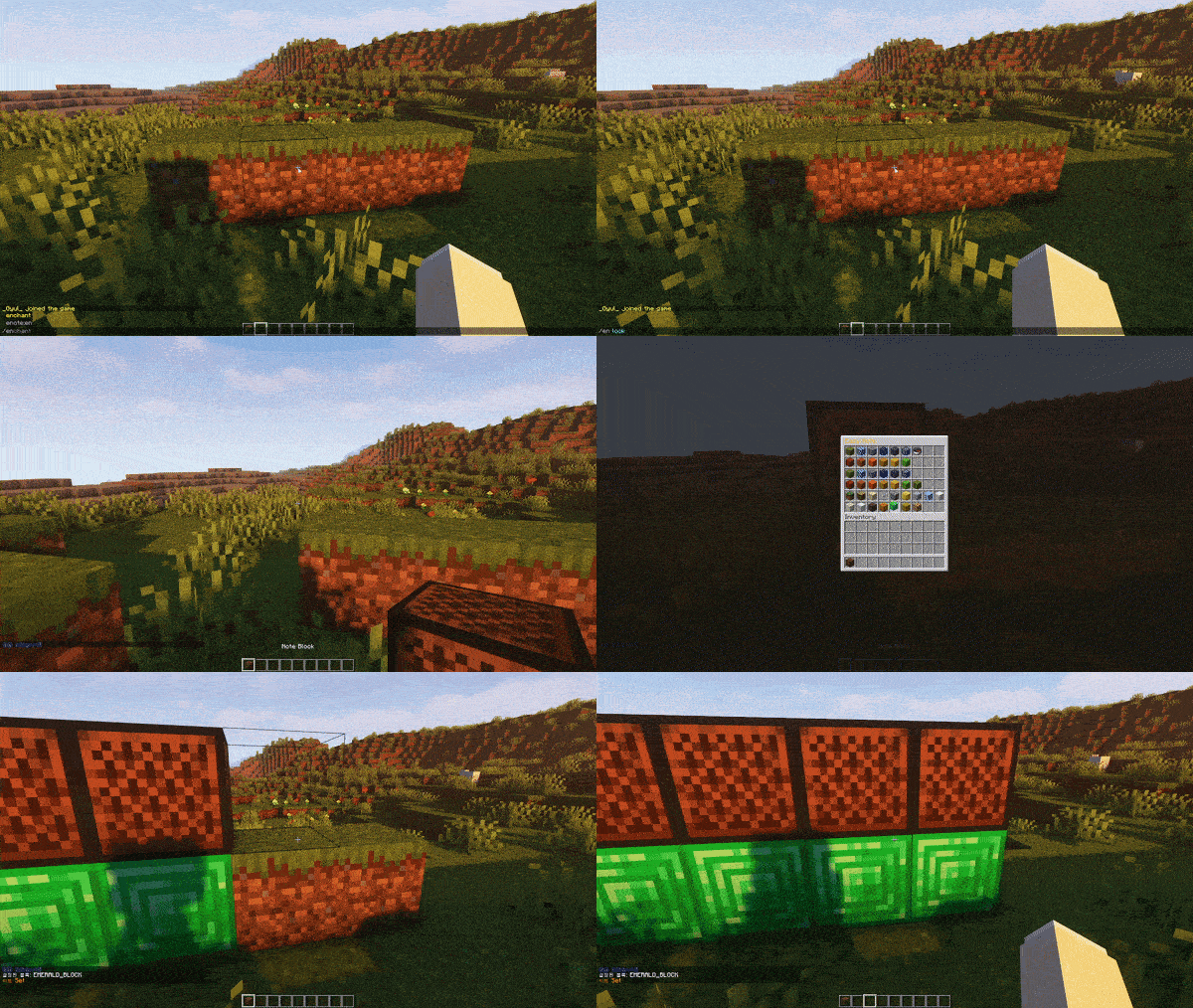
– “/en lock” 과 “/en unlock” 을 사용해 설정할 악기를 고정할 수 있습니다.
– 해당 명령어 사용 후 처음으로 GUI에서 설정하는 악기로 고정됩니다.
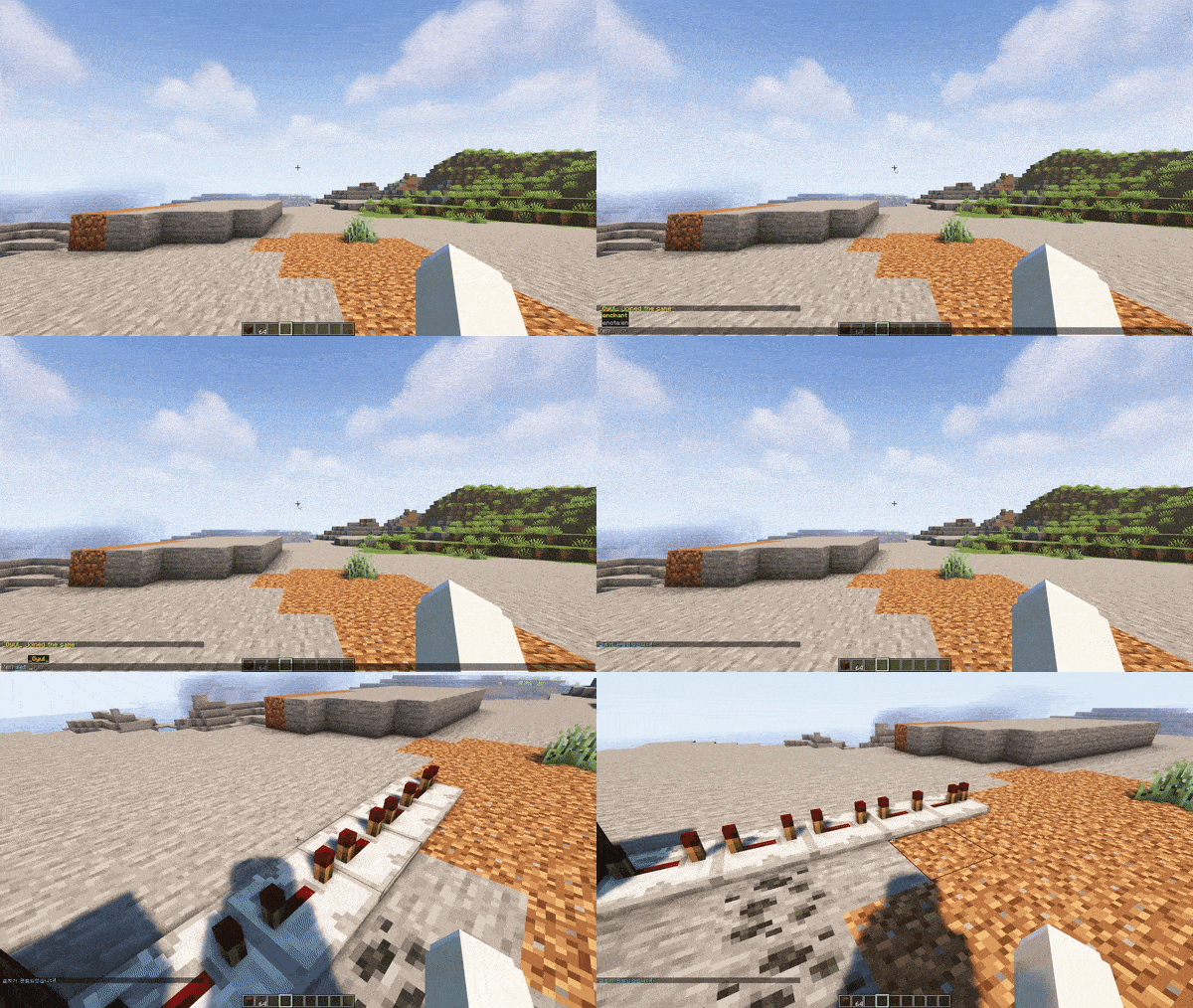
– “/en set <틱>” 으로 레드스톤 틱에 해당하는 리피터를 빠르게 설치할 수 있습니다. (⚠ <틱>의 값으로 1~100을 사용할 수 있습니다.)
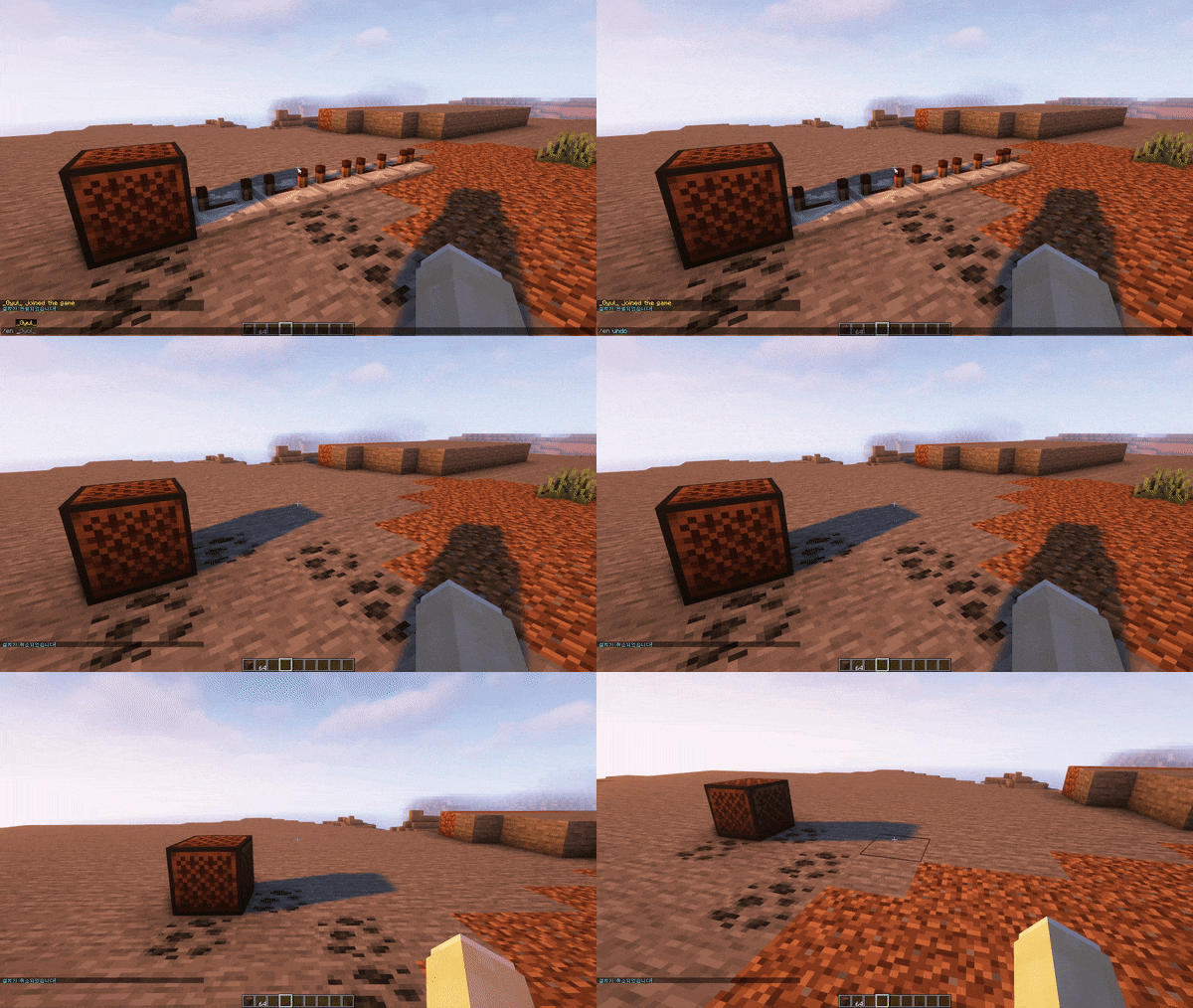
– 혹시 설치한 리피터가 마음에 들지 않나요? 그렇다면 “/en undo” 로 리피터 설치를 취소해보세요!
(⚠ 단, 해당 블록의 데이터는 날아가니 주의하세요!!)
♪ 해당 플러그인은 노트블록 작업을 편하게 할 수 있도록 도와주는 플러그인입니다.
❗야생이나 일반적인 게임 플레이에 사용하기에는 적합하지 않을 수 있습니다.
♪ 설치하는 법?
– 해당 플러그인은 1.18 보다 높은 버전의 서버에서만 테스트 되었습니다.
1. 우측 상단의 Download 버튼을 누른다.
2. 설치된 플러그인을 서버-plugins 에 넣는다.
♪ 사용하는 법?
– 단순히 플러그인 폴더에 넣으면 자동으로 실행됩니다.
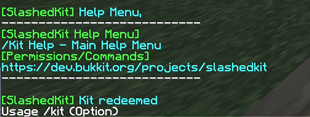
– “/en help” 를 입력하면 명령어에 대한 설명을 자세히 확인할 수 있습니다.
♪ English Description
The EasyNote plug-in makes “note block“simpler and easier to use!
Let’s make your own note block songs easily!
EasyNote’s features
♪ Add New Note Block GUI
– Right-clicking the note block opens a new EasyNote GUI, not adjusting the note block’s notes!
– Let’s change the notes and instruments of the note block easily in the GUI!
♪ Four additional commands
– Four commands are added. The default structure of the command is “/en“.
– “/en lock” and “/en unlock” can be used to fix the instrument to be set.
– After using this command, it is fixed with the instrument that you set for the first time in the GUI.
– “/en set <ticks>” allows quick installation of repeaters corresponding to redstone <ticks>. (⚠ The value of <ticks> can be from 1 to 100.)
– Don’t you like the repeater you installed? If so, try canceling the repeater installation with “/en undo“!
(⚠ However, be careful as the data in the block will be lost!!)
♪ The plugin is a plugin that helps you easily work with note blocks.
❗ This may not be suitable for use in common gameplay.
⚠ If there’s an error, please leave it in the comments.
♪ The idea of what you want to add is also welcome.
How to Play?
– Simply put in the plug-in folder and it will run automatically.
– Use “/en help” to get a detailed description of the command.


Add a comment