


 Get 0.05 TON 💎
Earlier Versions
| Name | Size | Uploaded | Game Version | Downloads | |
| Download release | 2.06 MB | Apr 3, 2021 | 1.16 | 22 |  Download Download |
Description
ENDERMAN SHADER
this shader is a simple shader like any other, but this one I did inspiring myself in several other shaders gave a greater work to program, create, edit and even reach success, but now I can make available for you minecraft players and content creators / youtuber, but let's talk about the characteristics of this shader;
• Sun light
•Realistic sun and moon
• Realistic sky
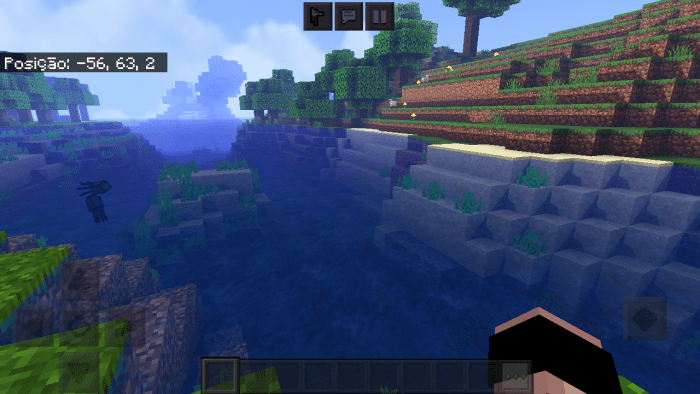
• Modified water
• Grasses, plants, and tree leaves move in the wind
• Very realistic and incredible day schedules
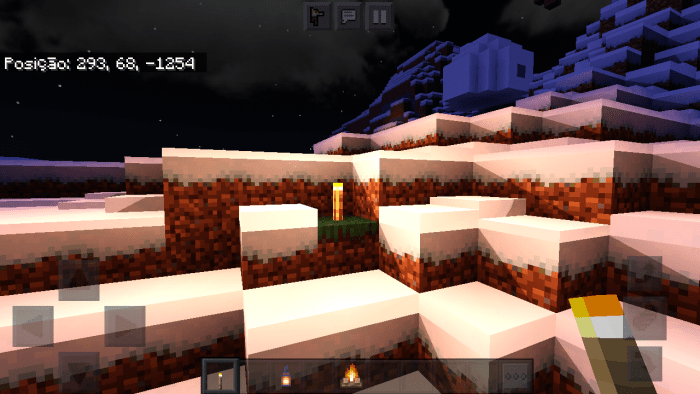
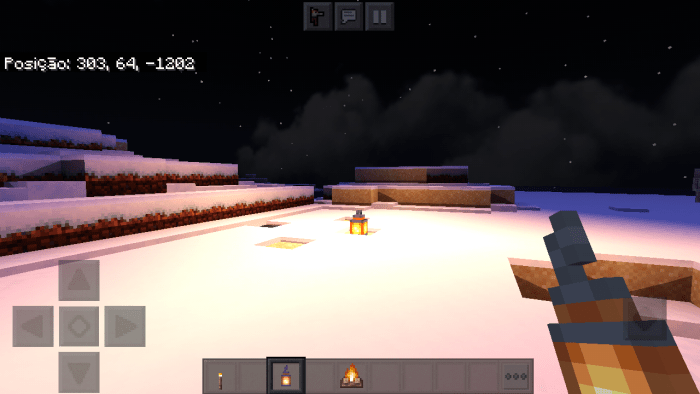
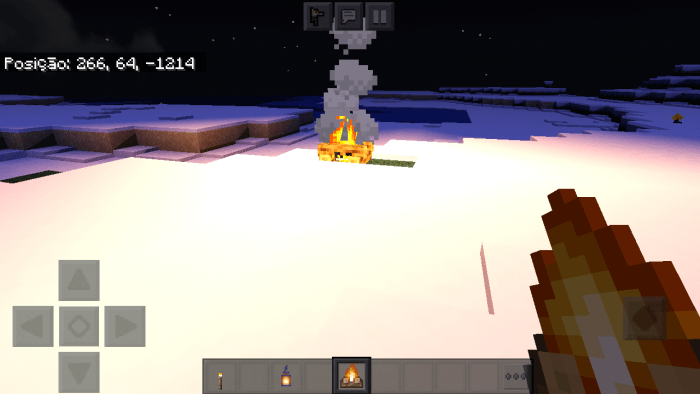
• Torches, flashlights and other light sources emit around 65% of light into the environment
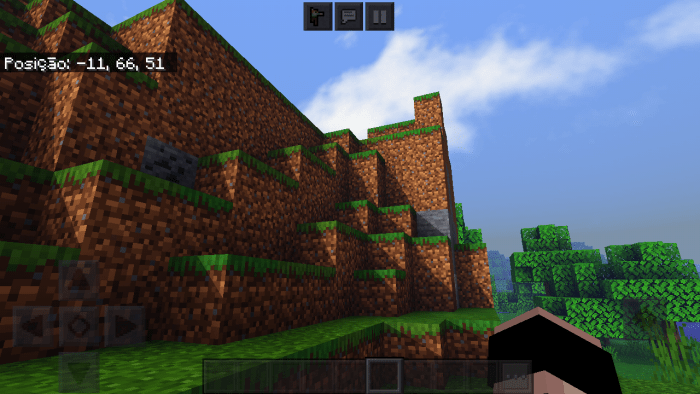
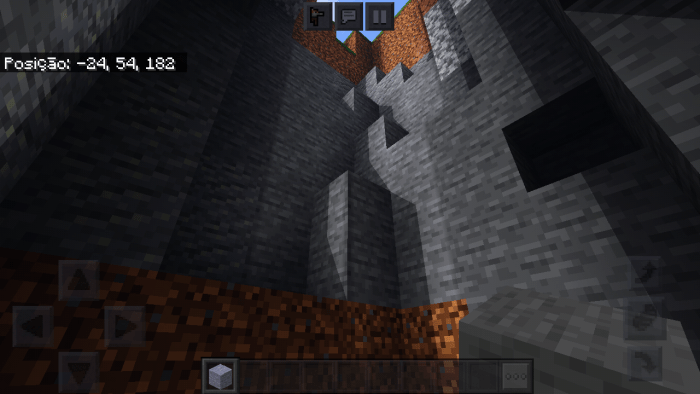
• Block shadows
• Realistic moon and sun
•And much more!
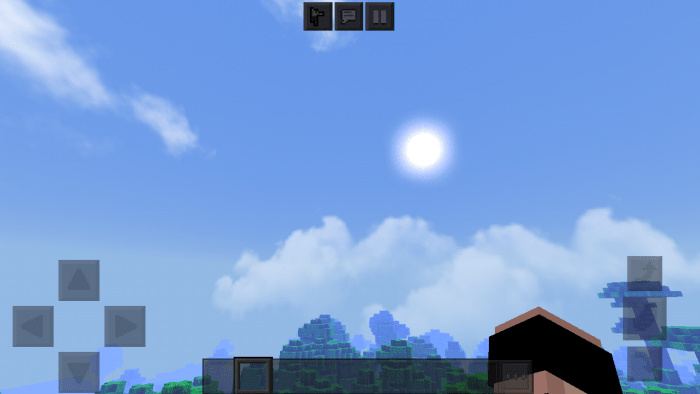
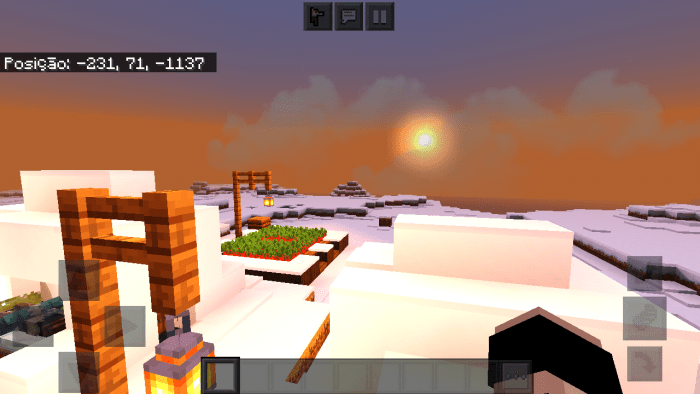
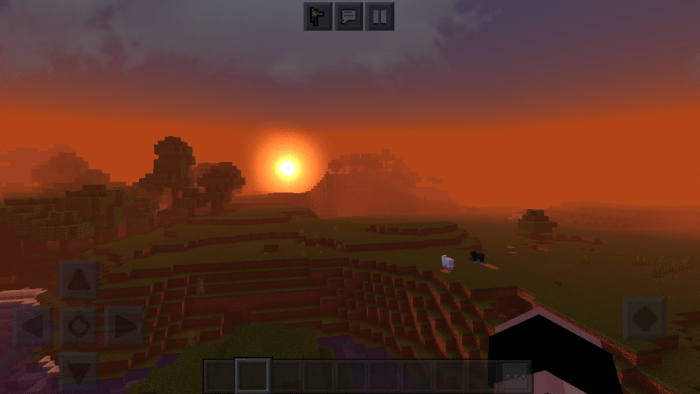
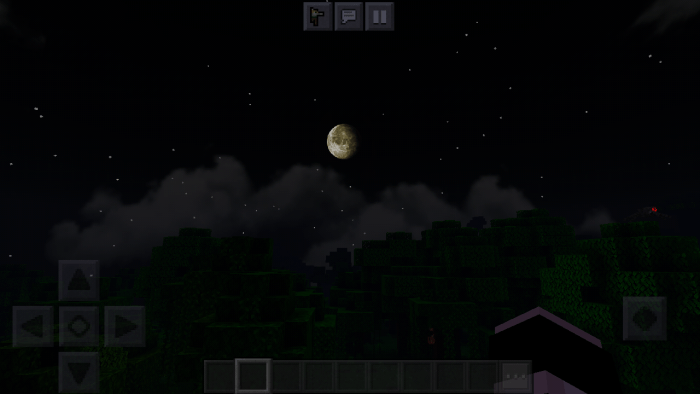
Here are some of the examples for this shader in screeshots;
•Day
–
•Sunrise
–
•Sunset
–
•Night
–
• Torches, flashlights and light sources
–
–
–
•Water
–
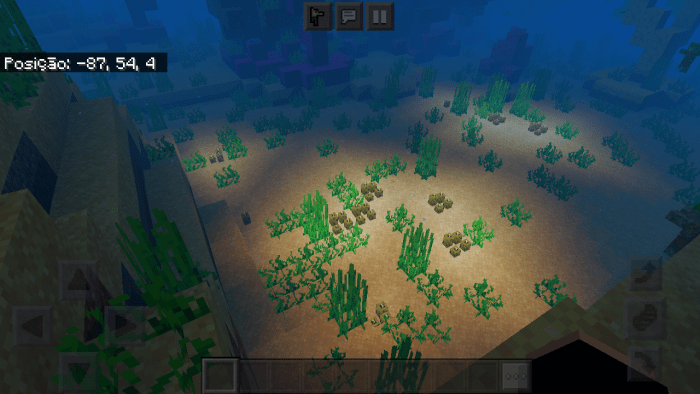
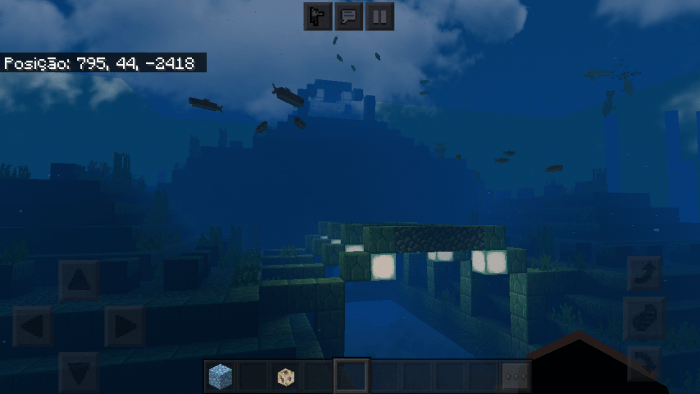
•Under water
–
–
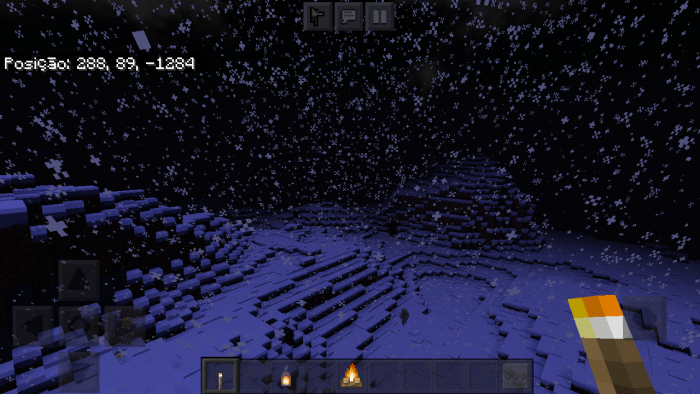
•Snow / blizzard
–
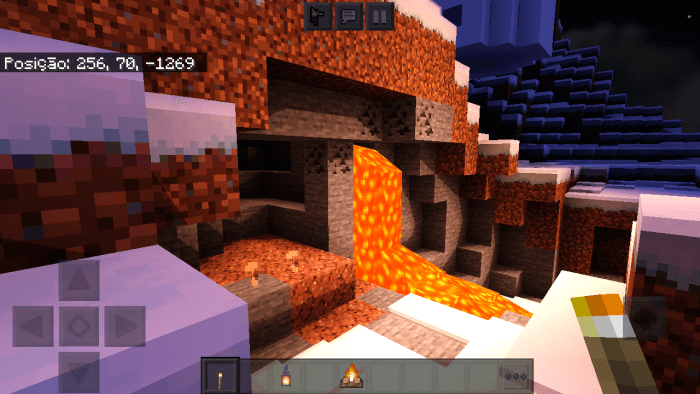
•Lava
–
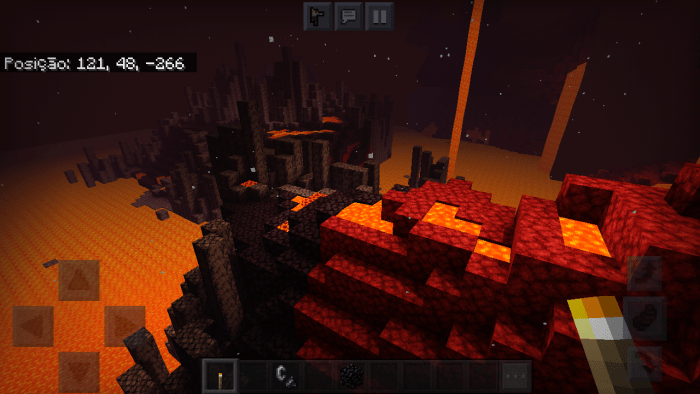
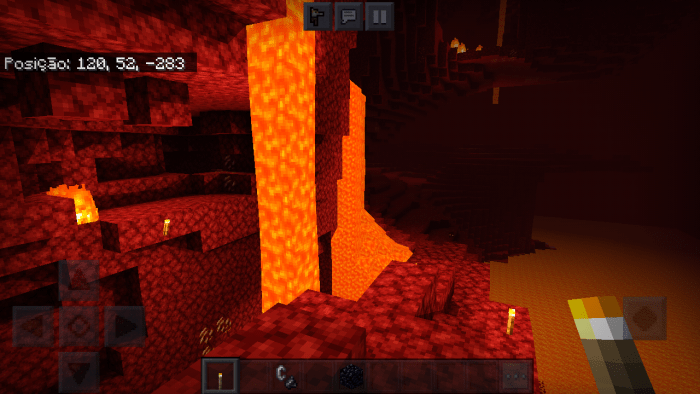
•Nether
–
–
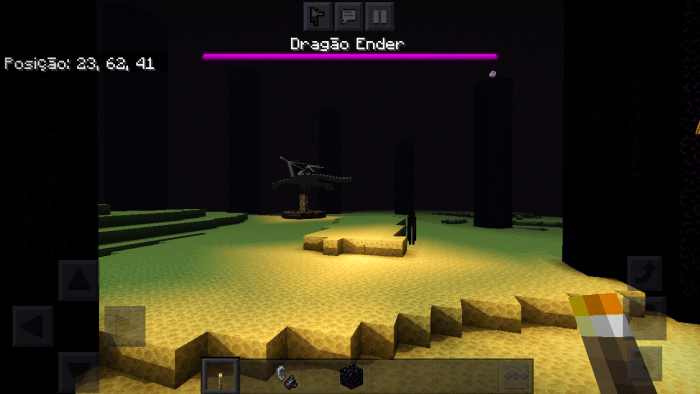
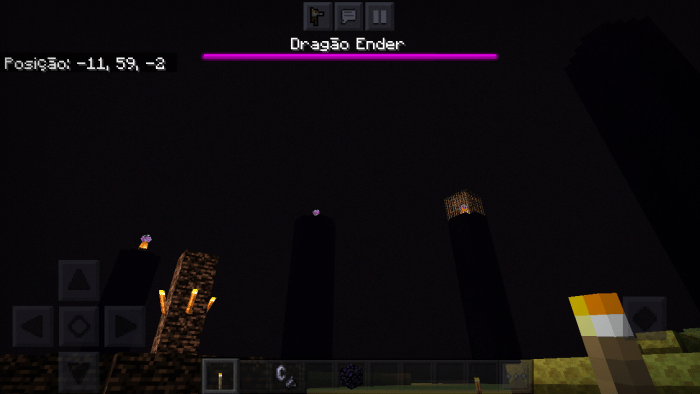
•The End
–
–
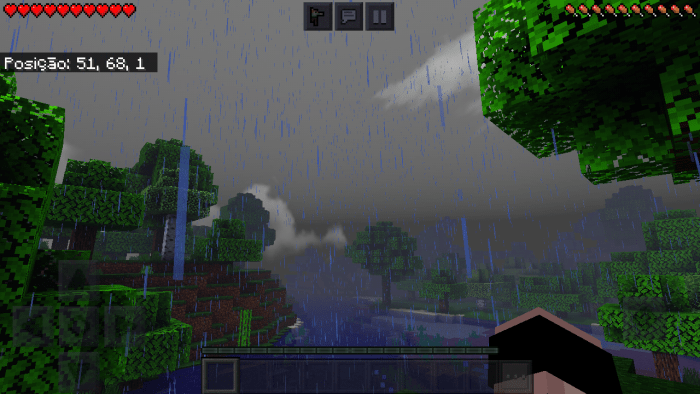
•Rain
–
•Shadows among blocks
–
–
Well here goes a little bit of food this shader was made; – I first researched a lot about shaders and how they were made, after that I went directly to YouTube to know how to create shaders and the basics to do. I found several tutorials on this but it was necessary to know a little about programming and among others, so I went to see several programming classes and the basics of file management in general, after that I did the step by step created and programmed my own shader until I got to a point where several mistakes happened … but with a lot of effort I managed to finish my shader and thus reaching the success of my great effort
WARNING!!
If you want to make a video for YouTube, please ask me to leave my profile credits on MCPEDL and my channel on YT https://youtube.com/channel/UCcNrONNGfrKQ9mrBLP7GSBA
> How to install the shader
1- Download the shader (the .zip or .mcpack file)
2-Go to "Files" on your device
3-Find the downloaded file
4- Hold this file for a few seconds and then move it to the "games" folder after that click on "com.mojang" and go to "resources_packs"
5- Leave the file in the resource_packs folder
6- open your Minecraft
7- click on options in your menu
8- go to global resources and select the Enderman Shadee after this click on activate and done! now just go play your Minecraft with this amazing shader;)
NOTE;
• This shader is only for android / ios phones (TESTED ON WEAK DEVICES AND CONFIRMED WITHOUT LAG) [tested devices: Samsung J5, IPhone 6 and Motorola]
-> Tip:
For better gameplay set your brightness to "0" or "50" 😉
Here are some of our social networks in case of any ideas or bug reports
My thumbmaker twitter: https://twitter.com/ryckyartss
My thumbmaker channel: https://youtube.com/c/rycky
Our server on Discord: https://discord.gg/9FjGHN4tC6
My twitter: https://mobile.twitter.com/ArtEnderr
My channel: https://youtube.com/channel/UCcNrONNGfrKQ9mrBLP7GSBA
Add a comment