


 Get 0.05 TON 💎
Earlier Versions
| Name | Size | Uploaded | Game Version | Downloads | |
| Enhanced Selection Bounding Box-1.0.1.1.jar release | 314.11 KB | Sep 18, 2017 | 1.12.1 | 700 |  Download Download |
| Enhanced Selection Bounding Box 1.0.1 release | 315.67 KB | Jul 29, 2017 | 1.12 | 259 | Download |
| Enhanced Selection Bounding Box Mod beta | 143.67 KB | Jul 19, 2017 | 1.12 | 256 | Download |
Screenshots
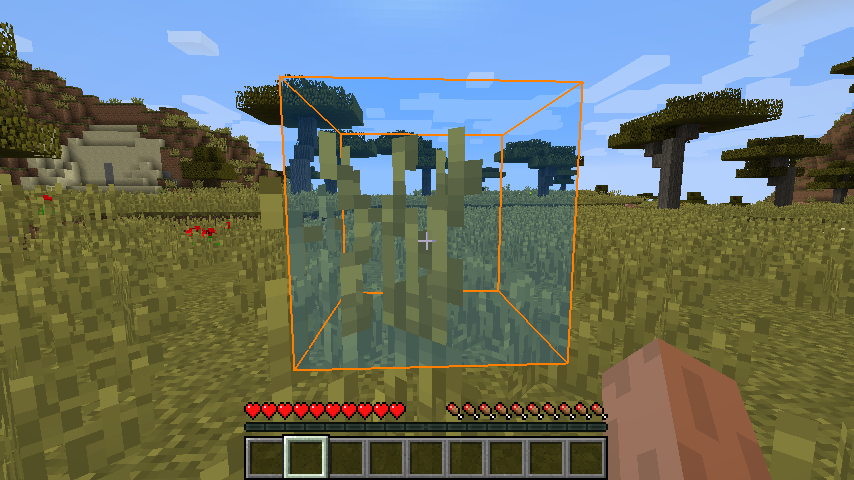

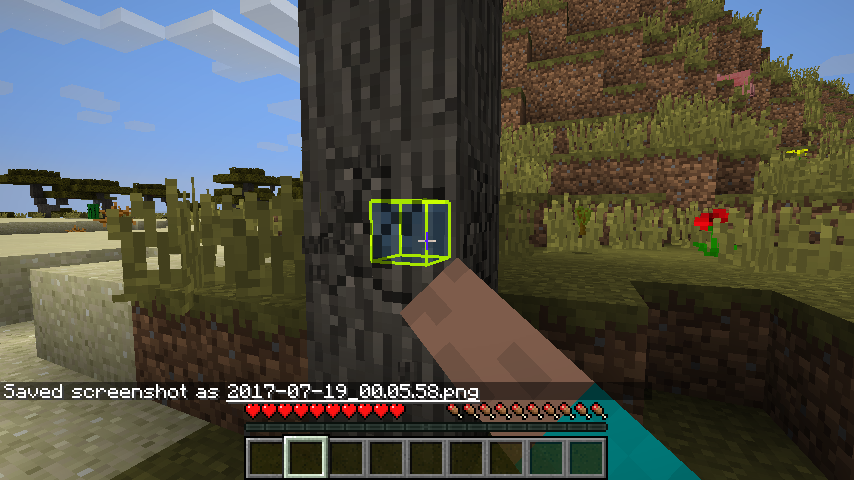
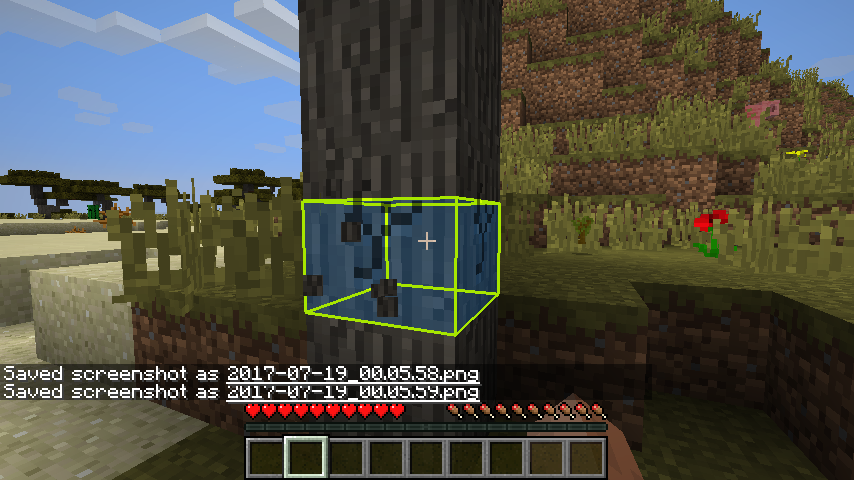

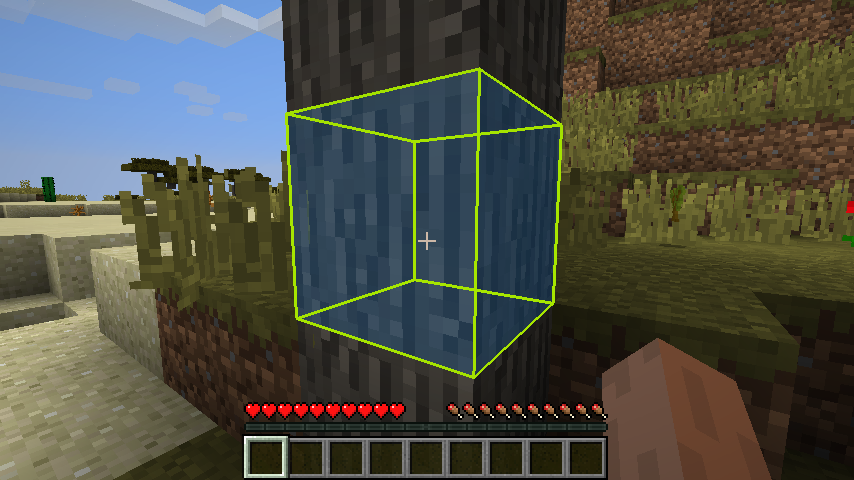


Description
You know that black wire frame that's drawn around every block your cursor falls on? This mod lets you change the thickness, color and alpha channel of that wire frame. In addition, you can also select a solid color and alpha channel for the block that falls within the selection bounding box.

This mod lets you enable or disable the depth buffer for each block being looked at, letting you see every part of the wire frame as if the block were transparent.

An animation can be selected for breaking blocks, as well. As a block is broken, the shrink animation slowly shrinks the wire frame inwards to the center of the block, and the down animation shrinks the wire frame down to the bottom of the block.


Instructions! I guess I forgot this in the first writeup. Anyway, there is an in game gui to adjust the settings. It's within forge's mod settings system.


I first saw a mod show case on BeastGamer's Custom Block Selection Box V2. Being as how extremely outdated it was, I decided to go digging into the forge libraries and discovered the RenderGlobal class, and all the neat box drawing tools within. A few weeks later, after lots of trial, lots more error, and even more forum mod help discussions, I managed to put together a working product.
Plans: I plan to add a rainbow animation feature, at some point.
If you come across any bugs or errors that can be repeated, please let me know and I'll try to sort them out as quickly as I can.
Also, if you have any suggested improvements, let me know! If I can figure out how, with my currently limited coding java know-how, I might just add it in and give you props for the suggestion 🙂
If you like what you see here, please feel free to click on that donate button. Or not, either way 🙂

Add a comment