


 Get 0.05 TON 💎
Earlier Versions
| Name | Size | Uploaded | Game Version | Downloads | |
| Glass Without Border 1.18 release | 11.97 KB | Dec 14, 2021 | 1.18.1 | 1,940 |  Download Download |
| Glass Without Border 1.17 release | 9.31 KB | Sep 20, 2021 | 1.17.1 | 14,526 | Download |
| Glass Without Border 1.12.2 release | 8.57 KB | Sep 20, 2021 | 1.12.2 | 3,966 | Download |
| Glasss Without Border 1.18 beta | 11.88 KB | Dec 14, 2021 | 1.18.1 | 162 | Download |
| Glasss Without Border 1.17 beta | 9.30 KB | Sep 26, 2021 | 1.17.1 | 271 | Download |
Screenshots
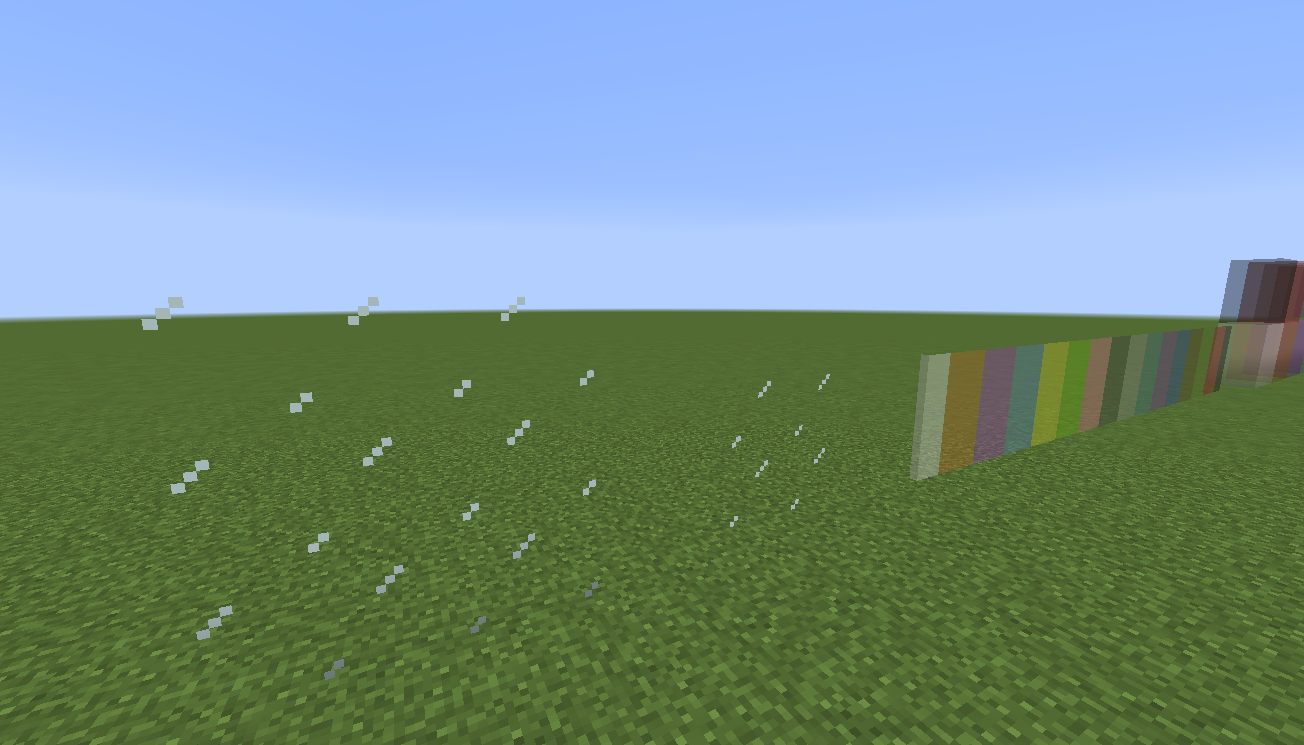

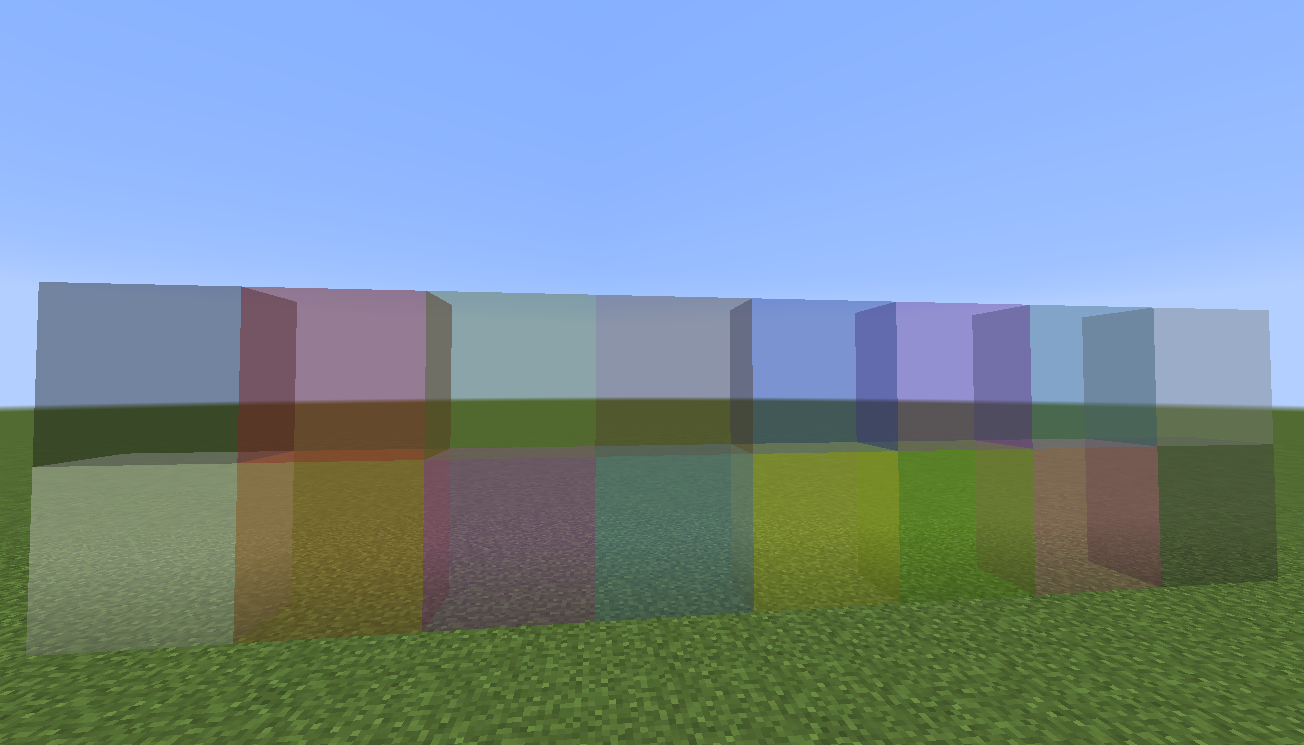
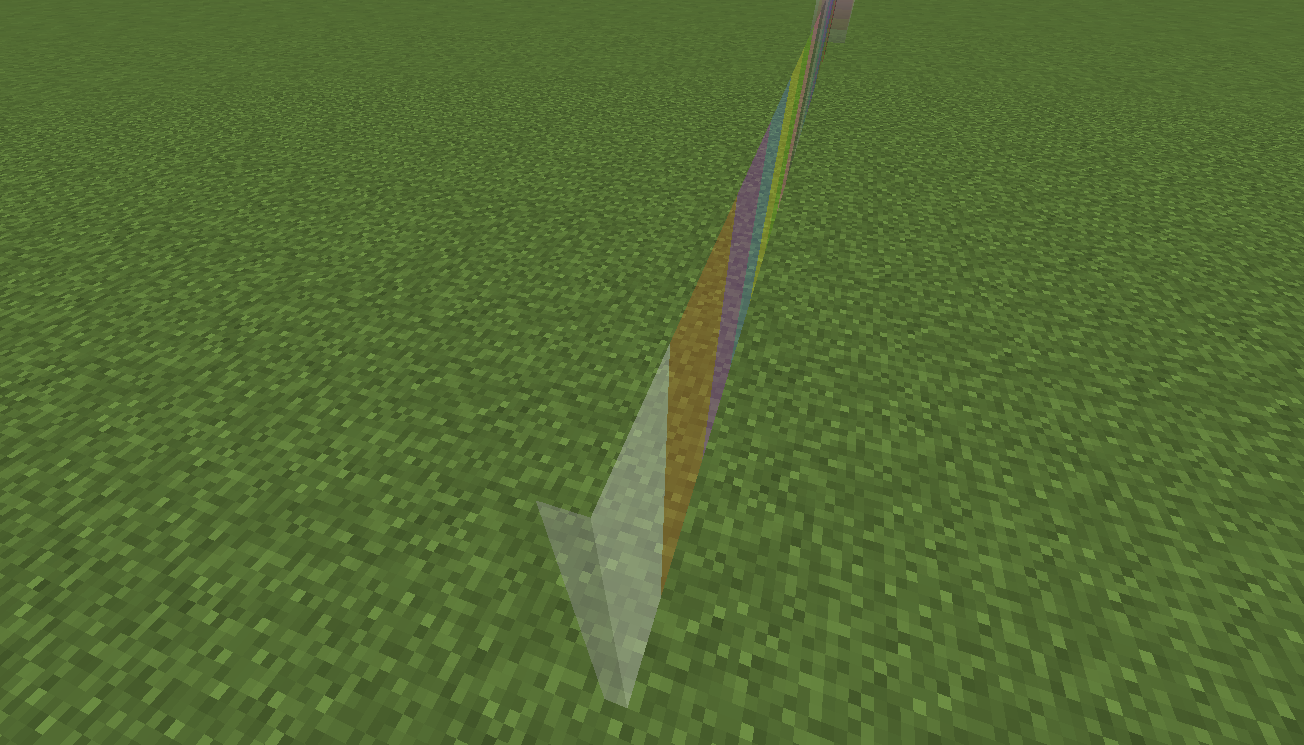


Description
Only for Java Edition.
You don't need OptiFine for this.
The glass panes look invisible from above and below (see images for detail).
You can also download this at my Google Sites and get more information there.
Glass Resource Pack
Minecraft Versions available. There is no video tutorial for this. It has same method like other resource packs :
>> Go to Files
>> Choose Minecraft Versions
>> Download the resource pack
>> Move it into resourcepacks File Folder
Here is another glass resource pack that also made by me (require OptiFine).
~ https://www.curseforge.com/minecraft/texture-packs/clean-and-clear-glass
Glass Without Border Resource Pack is a resource pack to remove glass' border. Whatever, the glass panes look invisible from above and below (see images for detail). You can use this if you can't use OptiFine in your device. There are already many resource packs to make your glass looks better. Thank you for choosing my resource pack 🙂
The comment section is disabled here.
You can comment in my YouTube Video, it's easier for me to reply your comment there. You can also send feedbacks, questions, helps, or any messages about this there.
YouTube



Add a comment