


 Get 0.05 TON 💎
Earlier Versions
| Name | Size | Uploaded | Game Version | Downloads | |
| Moloch'sGauntletMap-20220909 release | 15.58 MB | Sep 10, 2022 | 1.16.5 | 5 |  Download Download |
| MolochsGauntletMap-20220506 beta | 15.36 MB | May 7, 2022 | 1.16.5 | 46 | Download |
| MolochsGauntletMap-20220404.zip beta | 15.06 MB | Apr 5, 2022 | 1.16.5 | 10 | Download |
Screenshots

Description
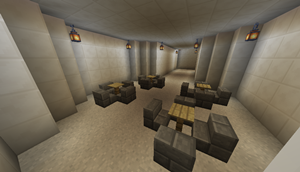
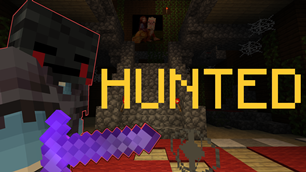
Moloch’s Gauntlet: Escape to Modernity is a three-player cooperative escape room adventure where communication is key. Players must venture through a series of brain-teasing puzzle rooms, confoundingly kaleidoscopic corridors, and assemblages allegorical to the madness of modernity. Originally created by the Student Cabal for ENGL398B Videogames and/as Theory: Minecraft and Modernity at Concordia University and integrated into the class server as a means to encourage cross-team collaboration, the project is now a playable standalone experience.
Blocks, items, and contraptions in this map require the associated Moloch’s Gauntlet modpack in order to work.
Instructions for Players:
- All players must have the modpack installed. Only the host/server needs this map file.
- For players, a third-party client that supports modpack installation, such as MultiMC, ATLauncher, or the MinecraftPatch Client is strongly recommended.
- Download the modpack and install it, or add the requisite mods to an existing 1.16.5 instance.
Instructions for Host:
- To host the map in a LAN game, download the map file, extract the zipped “mgauntlet” folder, and drop it in your Minecraft folder. Then launch Minecraft and select the map from the single-player menu. Once in-game, you can use the ESC menu to “Open to LAN.”
- To host the map on a dedicated server, you will need to install the mods on the server. Some tools, like ATLauncher, can install server packages from MinecraftPatch-formatted modpack files. Alternatively, you can download and install them manually using the dependency list. Then, download and extract the map, put the “mgauntlet” folder in your server directory, and edit server.properties “worldname” to point to “mgauntlet”.



Add a comment