


 Get 0.05 TON 💎
Earlier Versions
| Name | Size | Uploaded | Game Version | Downloads | |
| PewdsPvP v3.0 release | 24.87 MB | Jul 26, 2019 | 1.12.2 | 14,779 |  Download Download |
| PewdsPvP v3.0 release | 24.91 MB | Jul 26, 2019 | 1.14.4 | 4,680 | Download |
| PewdsPvP v2.0 beta | 24.11 MB | Jul 25, 2019 | 1.12.2 | 159 | Download |
| PewdsPvP v2.0 beta | 24.17 MB | Jul 25, 2019 | 1.14.4 | 380 | Download |
| PewdsPvP v2.0 beta | 12.83 MB | Jul 25, 2019 | 1.8.9 | 1,182 | Download |
| PewdsPvP alpha | 12.08 MB | Jul 23, 2019 | 1.14.4 | 111 | Download |
| PewdsPvP alpha | 12.09 MB | Jul 23, 2019 | 1.8.9 | 59 | Download |
| PewdsPvP alpha | 12.09 MB | Jul 23, 2019 | 1.12.2 | 119 | Download |
Screenshots


Description
LETS GET PEWDIEPIE TO SEE THIS TEXTURE PACK!
————————————————————————-
New Update v3.0:
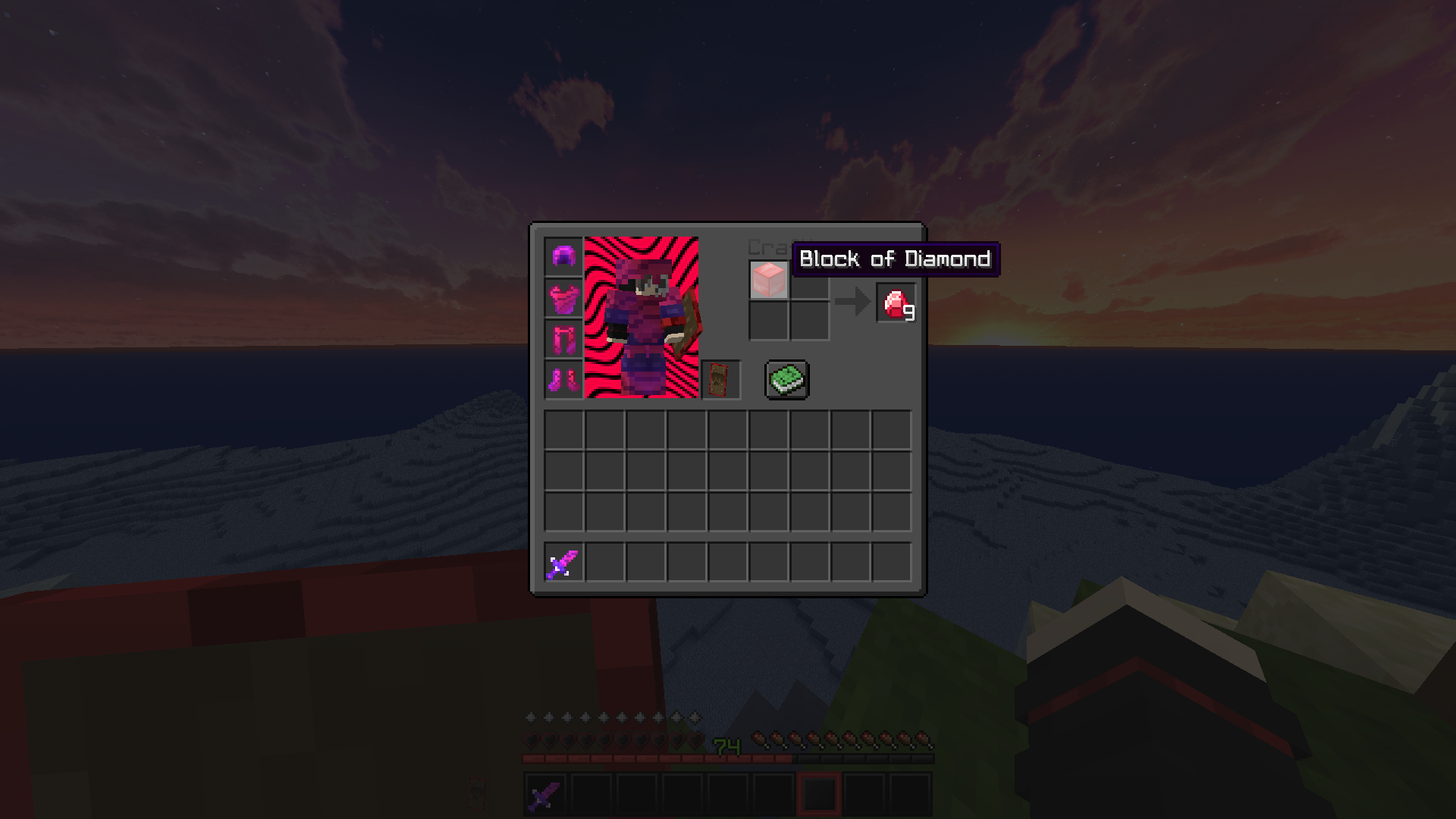
*Added new dark Gui style with nicer look that the last one.
Update v2.0:
*Fix the custom sky which did not worked on the last 1.14 version.
*Also changed the sky to be "softer" to the eyes for all the pack's versions.
*Fix grass blocks in the 1.14 last version.
*Added 1.13 PewdsPvP pack with the 1.14 one.
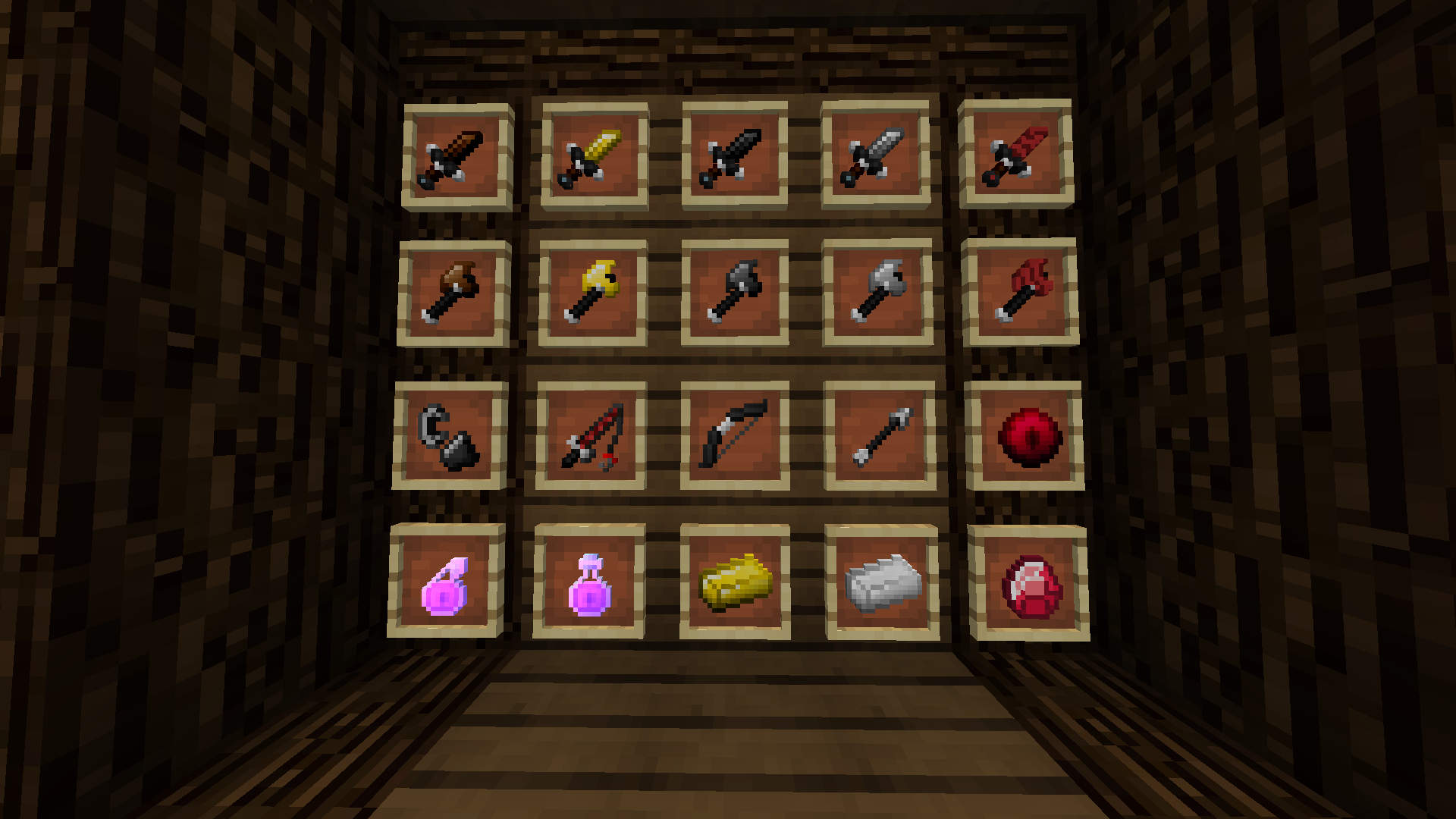
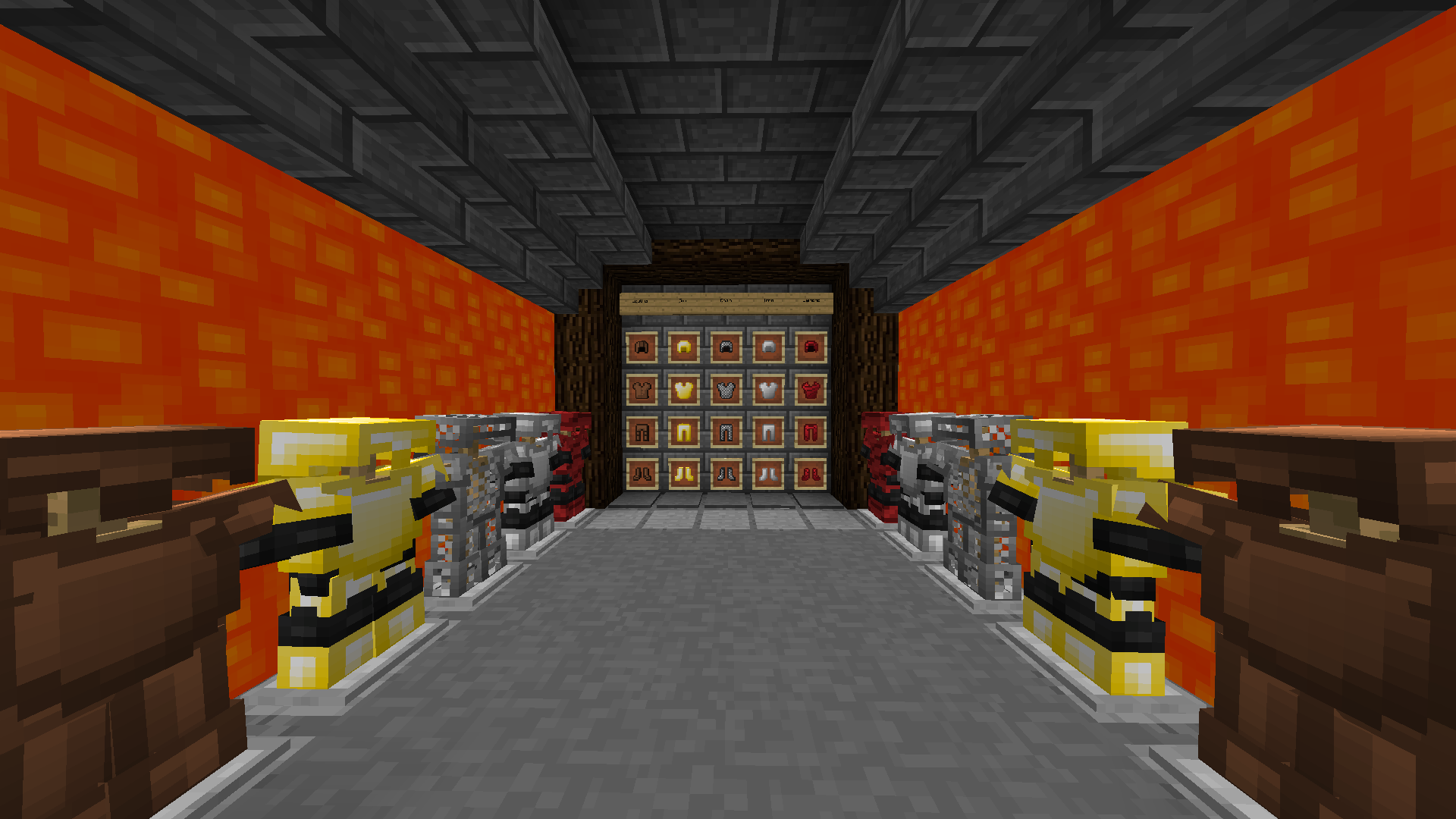
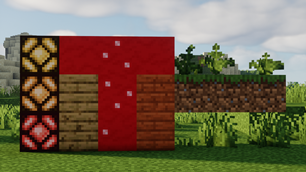
This pack was made for fun and all the diamond items changed to Pewdiepie's red logo.
That's include:
Horse Diamond Armor,
All Diamond Tools,
Bow,
Fishing Rod,
Diamond Sword,
Diamond Armor,
Diamond Ore,
Diamond Block &
Ender Pearl.
P.S. all the other item changed too but not to Pewdiepie's logo 🙂
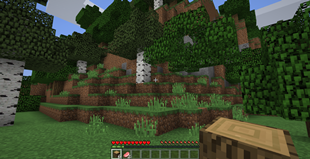
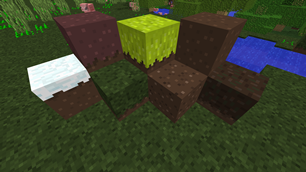
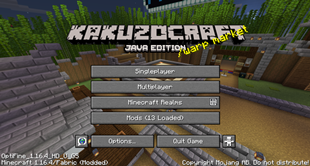
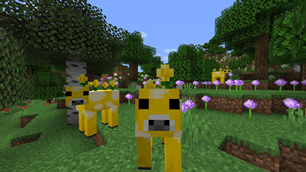
Check the photos in the Images and download if you liked it.
This Pack is also good for PvP so it may be good for a lot of you guys.
Use this pack with Optifine for better results :D.
ALSO COMMENT DOWN BELOW IF YOU HAVE MORE IDEAS OR THING TO CHANGE 🙂
How To Install the Resource pack:
- Press on files and Download the minecraft version you want to play with.
- Open Minecraft.
- Click on "Options", then "Resource Packs"
- Choose "Open resource pack folder"
- Drag the file from the downloads into that resource pack folder.
- And finally add it to your other textures.

Add a comment