

 Get 0.05 TON 💎
Earlier Versions
| Name | Size | Uploaded | Game Version | Downloads | |
| Portal Jumps 1.1.7 / Minecraft 1.18.1 release | 30.94 MB | Feb 21, 2022 | 1.18.1 | 38 |  Download Download |
| Portal Jumps 1.1.6.1 / Minecraft 1.17.1 release | 30.08 MB | Sep 27, 2021 | 1.17.1 | 3,048 | Download |
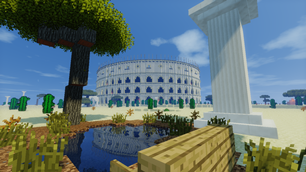
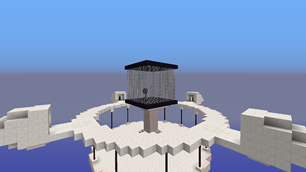
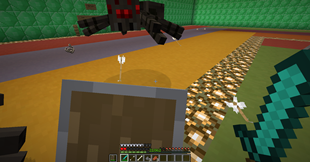
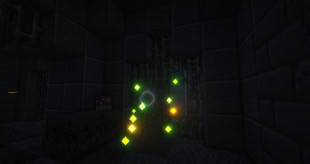
Screenshots



Description
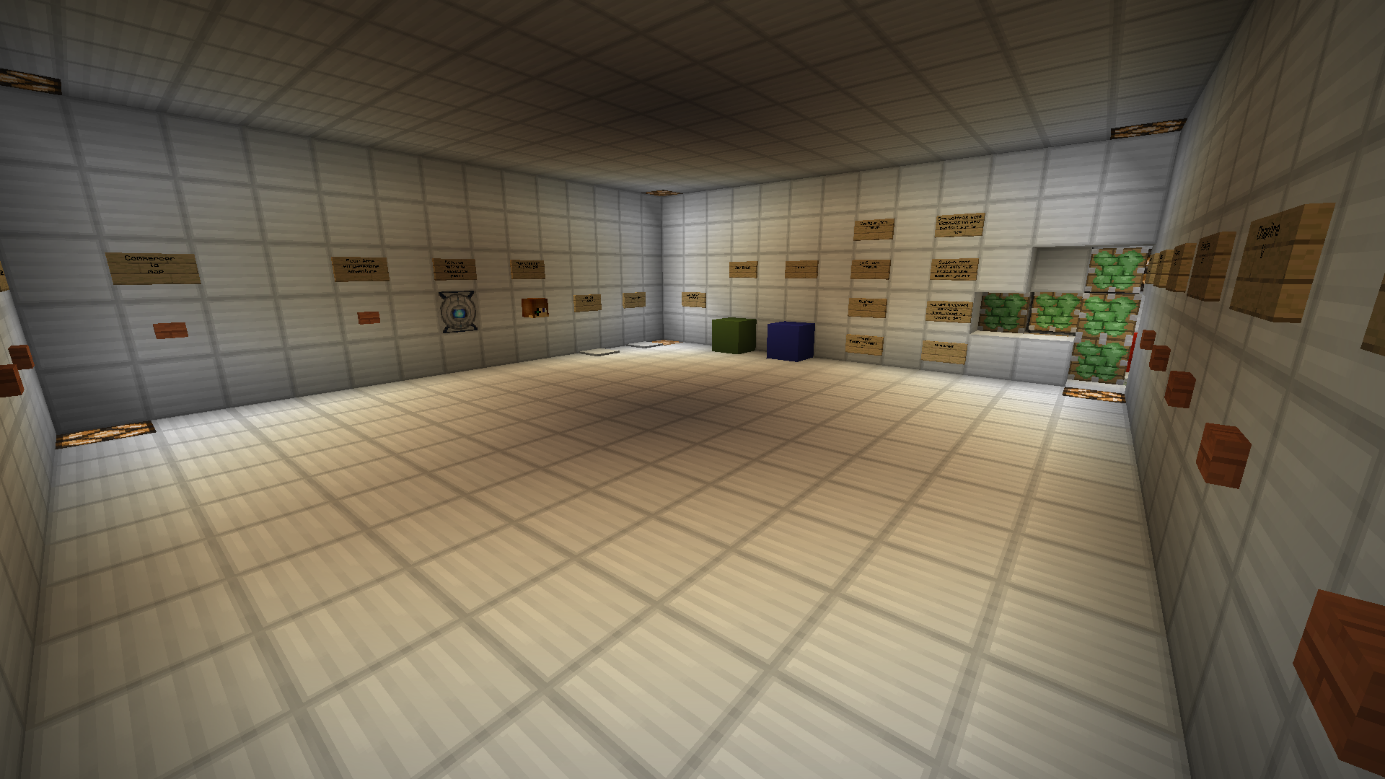
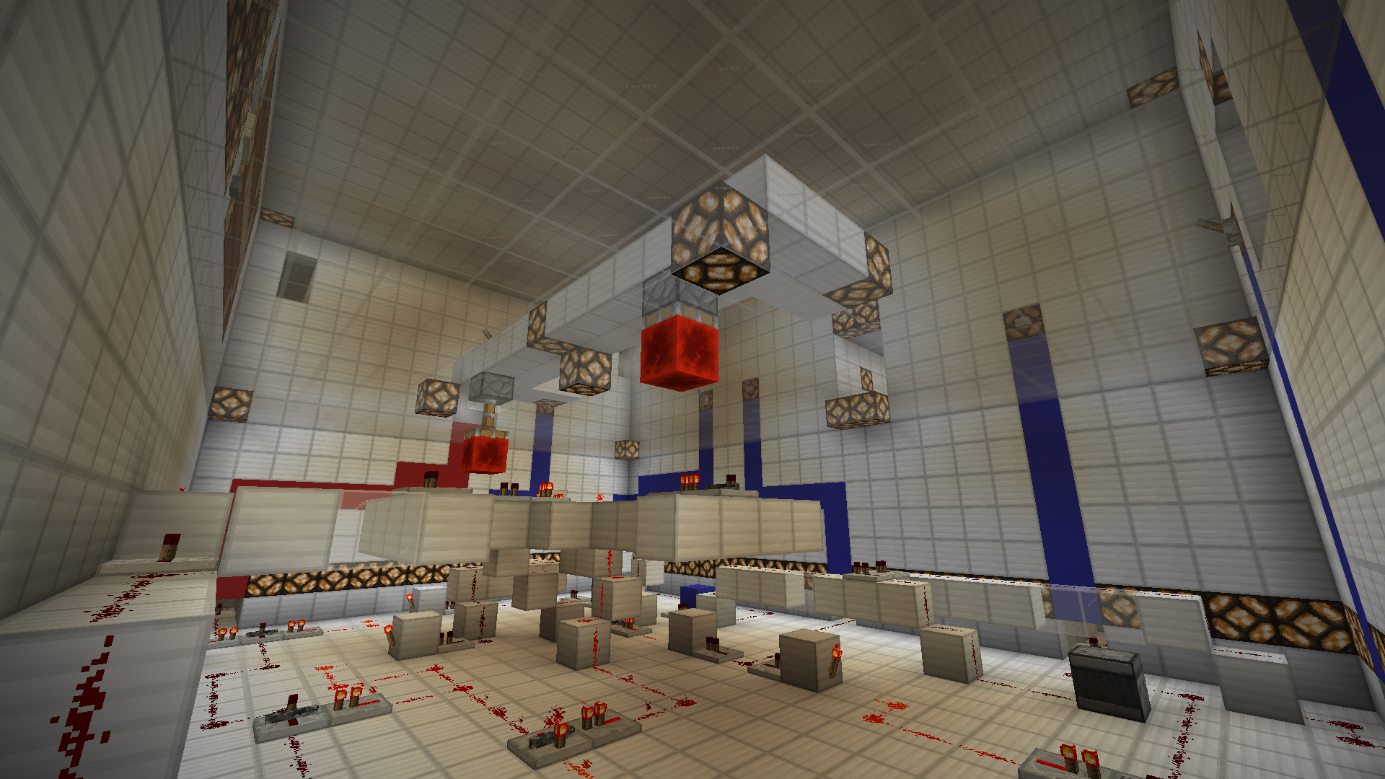
Portal Jumps is an adventure / jump map inspired by the universe of the different Portal. You play as a guinea pig of GLaDOS, which through a series of test rooms seeks to exit the center. GLaDOS is an artificial intelligence formed at the enrichment center of Aperture Science. Alone Human and without any memories, a mysterious robot named Wheatly decide to help you.
To contextualize the story, it takes place between Portal 1 and 2. It is also important to note that there is no obligation to have played both games to enjoy this adventure. Be careful however, if you intend to discover these, some spoils may be present.
The adventure is broken down into several chapters. There are seven of them. This adventure has an lifespan of 1.5 hours depending on the level of each one.
Elements related to the gameplay and the map:
– The map was created for Minecraft 1.15.2/1.16.4
– This is a solo adventure
– The map is only in French
– It is essential to have the basics of jumping
– Chests are placed all over the map. These are optional but provide assistance to the player which are like jump_boost or armor.
– Different effect blocks will be presented during your adventure. The effect of jump_boost as well as speed
Prerequisites:
– Minimum display distance of 12 chunks
– Set the "Music" option to Off in the music and sound settings
– Activated the "Ambience / Environment" option in On in the music and sound settings
– Check that the resource pack is activated. To do this, go to the lobby, next to the start button, an animated block representing Wheatly must appear. If you see a block of lapis, the resource pack is not activated.
NB: Please note, if you started the map but want to start it again, you must delete it and restart it on a blank map. Indeed, the map does not have automatic reset. Thank you for your understanding.
I wish you a good adventure on Portal Jumps!
Link to the teaser:
Link to my other map :
https://www.minecraftmaps.com/parkour-maps/20-meters

Add a comment