


 Get 0.05 TON 💎
Earlier Versions
| Name | Size | Uploaded | Game Version | Downloads | |
| shw-1.3.jar release | 35.35 KB | Apr 20, 2020 | 1.12.2 | 17,088 |  Download Download |
| shw-1.2.jar beta | 358.35 KB | Apr 13, 2020 | 1.12.2 | 581 | Download |
| shw-1.1.jar beta | 358.05 KB | Apr 12, 2020 | 1.12.2 | 107 | Download |
| shw-1.1.jar beta | 357.96 KB | Apr 12, 2020 | 1.12.2 | 45 | Download |
Screenshots


Description
Set Home & Waypoints
_____________________________________________
Set Home & waypoint aims to improve User Experience and intuitive CLI (Command Line Interface) for teleportation commands. This mod is available in two languages, French and English. 3 main commands give you the ability to: create your home (/sethome); teleport to your home (/home or shortcut); create multiple waypoints to teleport on them (/wp). You can also configurate the mod if you want to with, CLI for servers and mod options for solo.
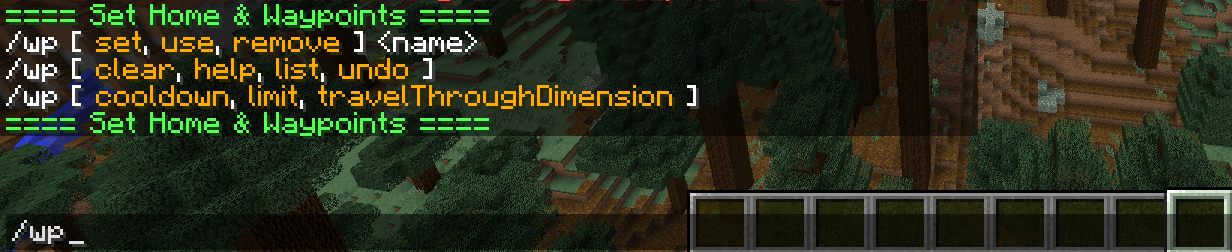
All commands use autocomplete to guide you through the mod. 🙂
Installation
_____________________________________________
Both sides need the mod in mods directory !
Needed in the client side to translate messages in your locale and be able to use shortcut to teleport to your home.
Configuration
_____________________________________________
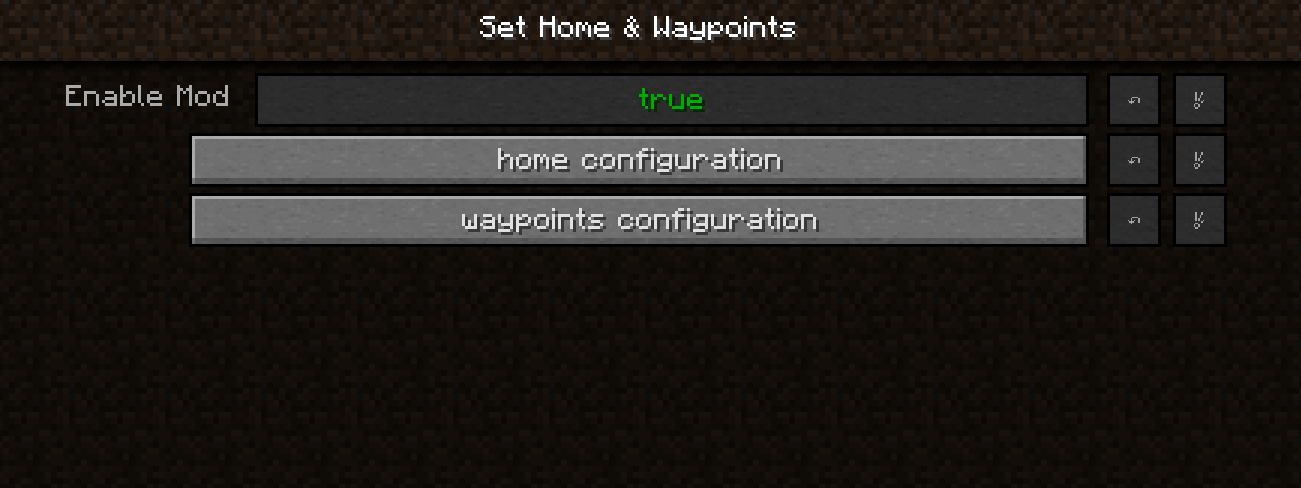
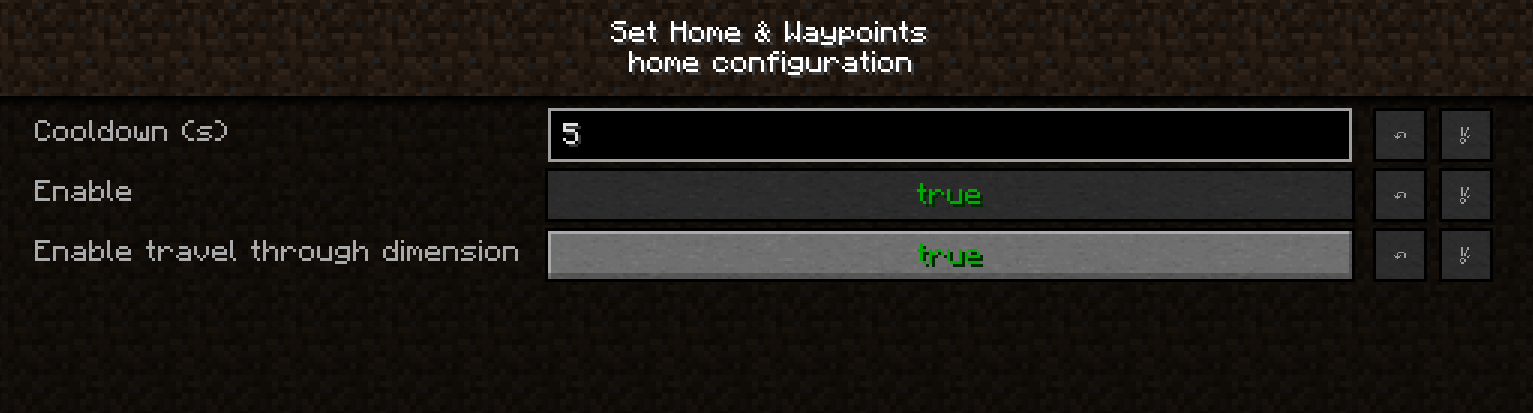
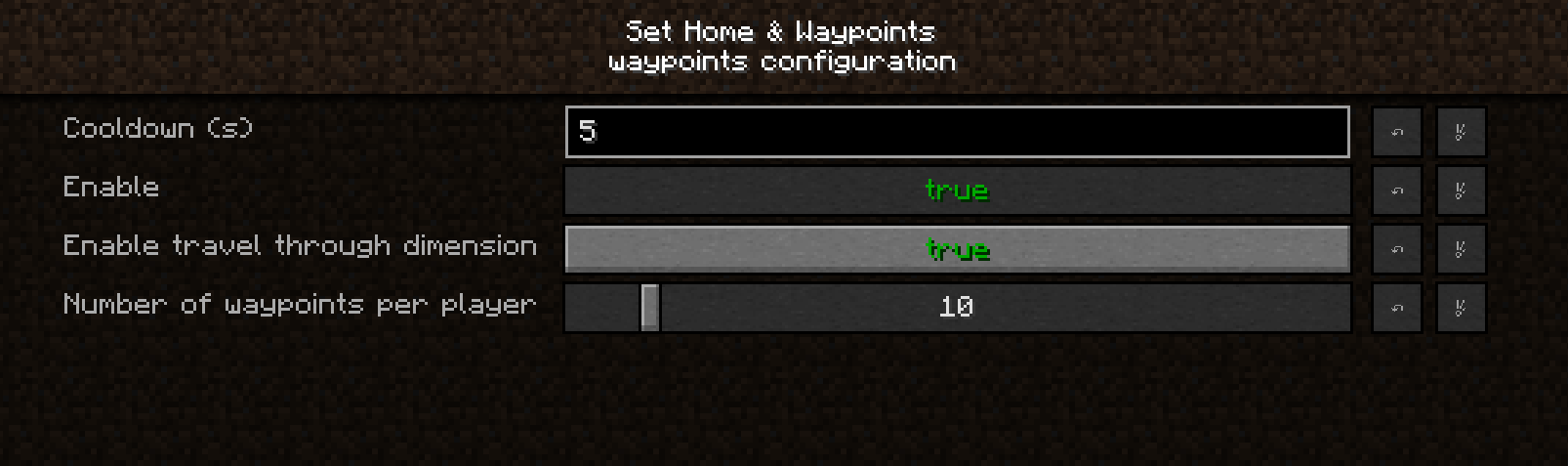
Set Home & Waypoints allows you to change settings (cooldown, travel through dimension…).
In Solo
________________________
If you play in solo, you can configure the mod using the mod config interface.
For Server
________________________
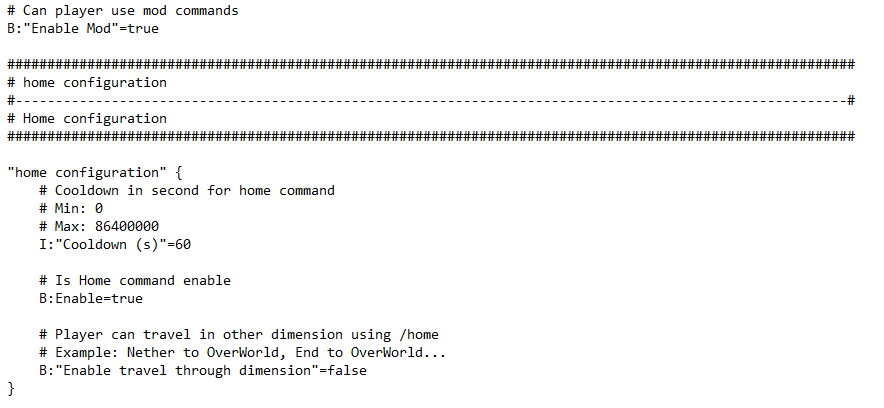
If you play in server/client config you can change settings using CLI or edit shw.cfg.


When updating configuration, players are automatically informed.
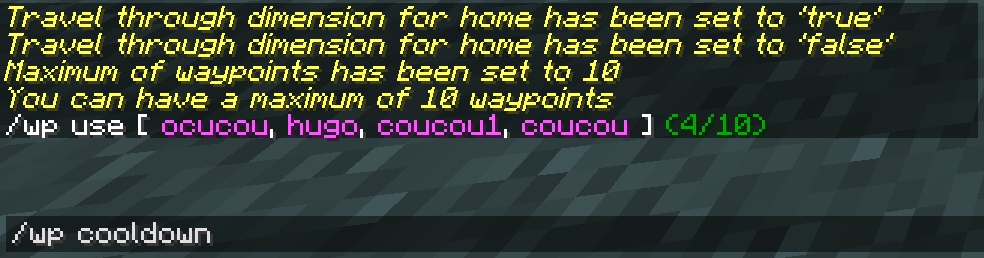
If you want to disable wp or home command you must edit the config file shw.cfg.
Usage
_____________________________________________
After all your configuration done, intuitive commands will help you to familiarize with Set Home & Waypoints.
- /sethome => Create your home point,
- /home => Teleport to your home,
- /wp => Manage your waypoints.
Home & Set Home
________________________
To use home command, you will have to set your home first (/sethome), and then teleport to it when ever you want (/home or shortcut).


If you want to use shortcut to teleport to your home, you can use 'P' by default.
You can change it in keyboard settings.

To show configuration, you can use the following commands


Waypoints
________________________
With Set Home & Waypoints, you can manage additional points. Like Home command it can be configured and disabled.
To create a waypoint execute /wp set <name>

To create a waypoint execute /wp use <name>

To create a waypoint execute /wp remove <name>

If you did wrong execution and didn't execute new wp command you can undo your last wp, /wp undo

If you didn't respect, you wont be able to recover your waypoint, so double check before execution !

You can list your current waypoints with /wp list.
Counter uses colors to show state of your available storage.

Other commands like /wp clear can be execute or show cooldown. I let you try it in game 🙂
I hope you'll enjoy Set Home & Waypoints !
Don't hesitate to leave a comment if you have any issue.
Add a comment