


 Get 0.05 TON 💎
Earlier Versions
| Name | Size | Uploaded | Game Version | Downloads | |
| SuperSaiyan V15-1.15.2 release | 22.48 KB | Mar 24, 2020 | 1.15 | 850 |  Download Download |
| SuperSaiyan V14-1.15.2 release | 19.76 KB | Mar 19, 2020 | 1.15 | 46 | Download |
| SuperSaiyanv13 release | 16.93 KB | Mar 14, 2020 | 1.15 | 38 | Download |
| SuperSaiyanv13-1.7.10 beta | 15.29 KB | Mar 14, 2020 | CB 1.7.9-R0.2 | 85 | Download |
Screenshots
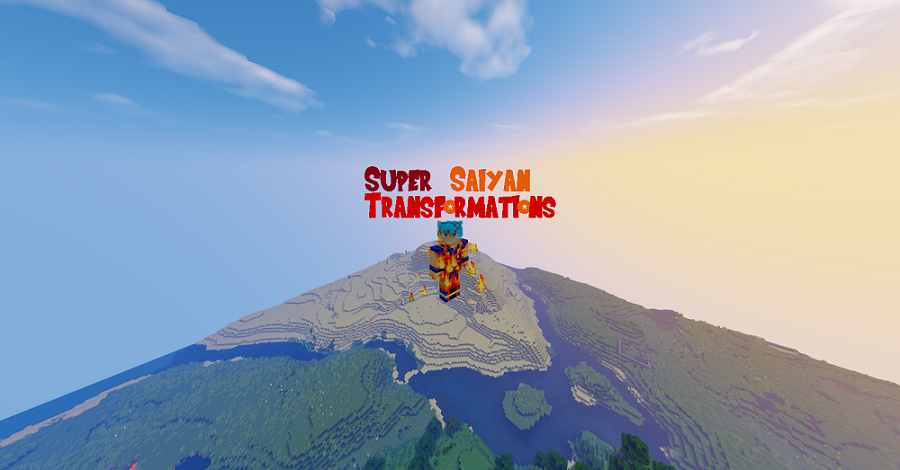
Description
Ever wanted a plugin to use to fight off those evil mobs in style? Well, this might be that plugin. Introducing the Super Saiyan plugin! This is a plugin that has many Saiyan transformations (and the kaioken transformations) all the way from Dragon Ball Z, GT, AF, and even Super. It also has some "what if" transformations like the Super Kaioken and Super Saiyan 5. There are many transformations with memorable quotes for almost each transformation. I.E. "DARN YOU FRIEZA, NOW I'M MAAAAAD!" It is also open source, so feel free to use some code at any time.This plugin also features support for custom transformations added in config.yml. Instructions are also in config.yml.
PLEASE NOTE, AS OF PATCH V 14 1.15.2 YOU NO LONGER NEED THE PLUGIN "PLAYER PARTICLES" TO RUN THIS PLUGIN PROPERLY
== COMMANDS ==
/ssj base
/ssj list
/ssj [Transformation ID]
/kaioken x[ID]
==== How to set it up ====
Lets go from simple to the more complex 😉
1. Download
2. Copy/Paste plugin in your "plugins" folder (or where ever you keep your plugins).
3. Start server
4. Profit
Permissions Handling:
1. If you're using any permissions plugin, go to where you keep your groups.
2. Each permission has its own batch of transformations. I will list them below. Put the permissions node where you want under the group.
3. Restart/Start the server, and test them out.
==== Permissions Information ====
NEW as of V12: Permissions are now changed drastically!
As custom transformations have been added, SuperSaiyan has had to change its way of managing permissions. The permission for every transformation will be "ssj.<Command Name>" where command name is what is typed after "/ssj " or "/kaioken " to achieve said transformation. This means both Kaioken and SSJ Transformation permissions are mixed, so beware when making custom transformations! A mistake in your config could lead to new players achieving Super Saiyan Blue!
Add a comment