


 Get 0.05 TON 💎
Earlier Versions
| Name | Size | Uploaded | Game Version | Downloads | |
| What42's Trailer-like Settings 1.0 release | 918 Bytes | Feb 1, 2022 | 1.18.1 | 1 |  Download Download |
Screenshots


Description
What42's Trailer-like Settings for Complementary
These settings are designed to pair with the texture pack Bare Bones.
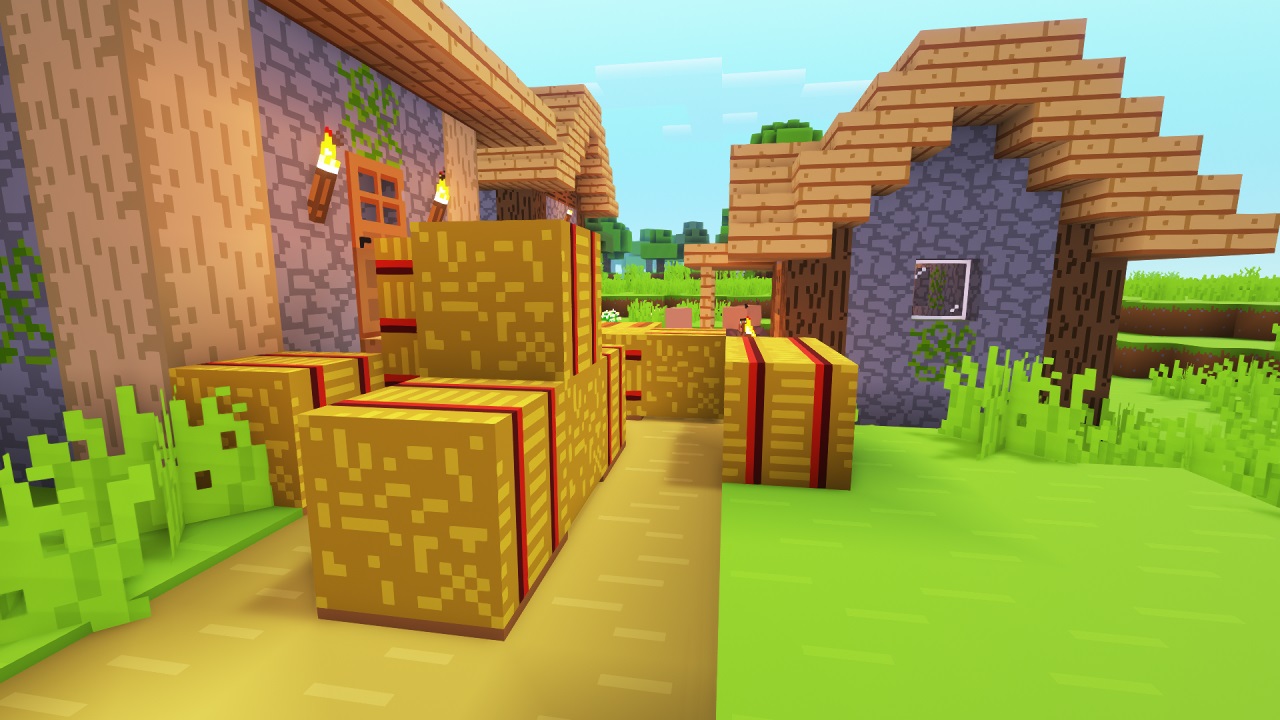 All images use the Bare Bones resource pack.
The idea behind this is pretty simple, make Minecraft look exactly like the trailers. I've seen a lot of other people do this, but since I didn't like any of their results, I did it myself.
Nothing we currently have can look exactly like the trailers, but I've spent a lot of time getting all the colors and other features of Complementary to be as close as possible.
How to install:
1: Open your shaderpacks folder
1.1: Open Minecraft
1.2: Go to the shaders menu
1.3: Click 'Shaders Folder'
2: Make a copy of Complementary and add something like "_Trailer" to the end of the name (this step is optional)
3: Copy the entire name of the shader file and paste it into the settings file (the one from this page)
For example, if the shader file is "Complementary_v4.2.2_Trailer.zip", the settings file needs to be "Complementary_v4.2.2_Trailer.zip.txt"
4: Move the settings file into the shaders folder.
Add a comment