

 Get 0.05 TON 💎
Earlier Versions
| Name | Size | Uploaded | Game Version | Downloads | |
| filteredhopper-2.1.1.jar release | 60.46 KB | Feb 6, 2020 | 1.12.2 | 2,883 |  Download Download |
| filteredhopper-2.0.0.jar release | 55.24 KB | Feb 3, 2020 | 1.12.2 | 29 | Download |
Screenshots
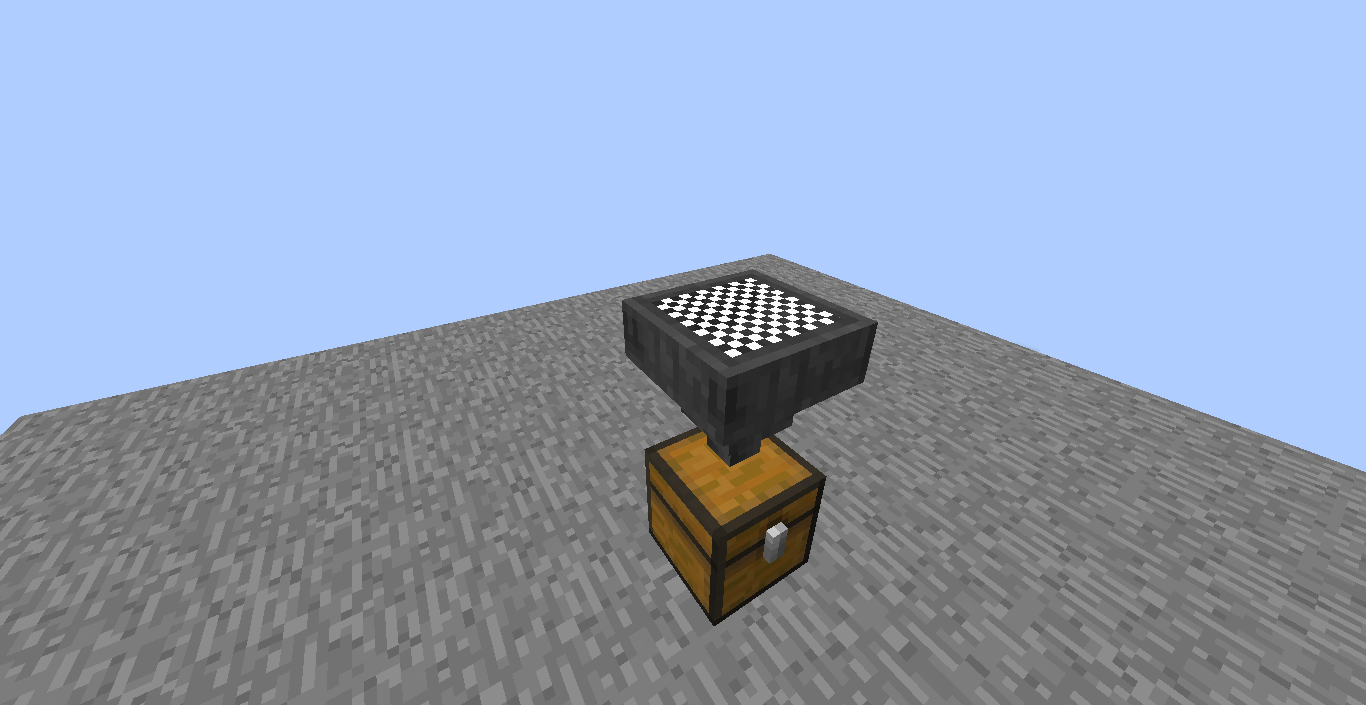
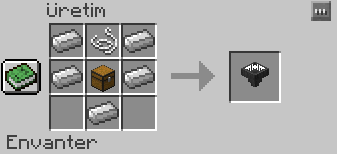
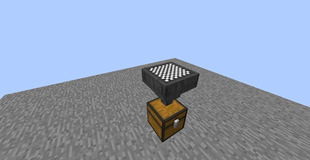
Description
Details:
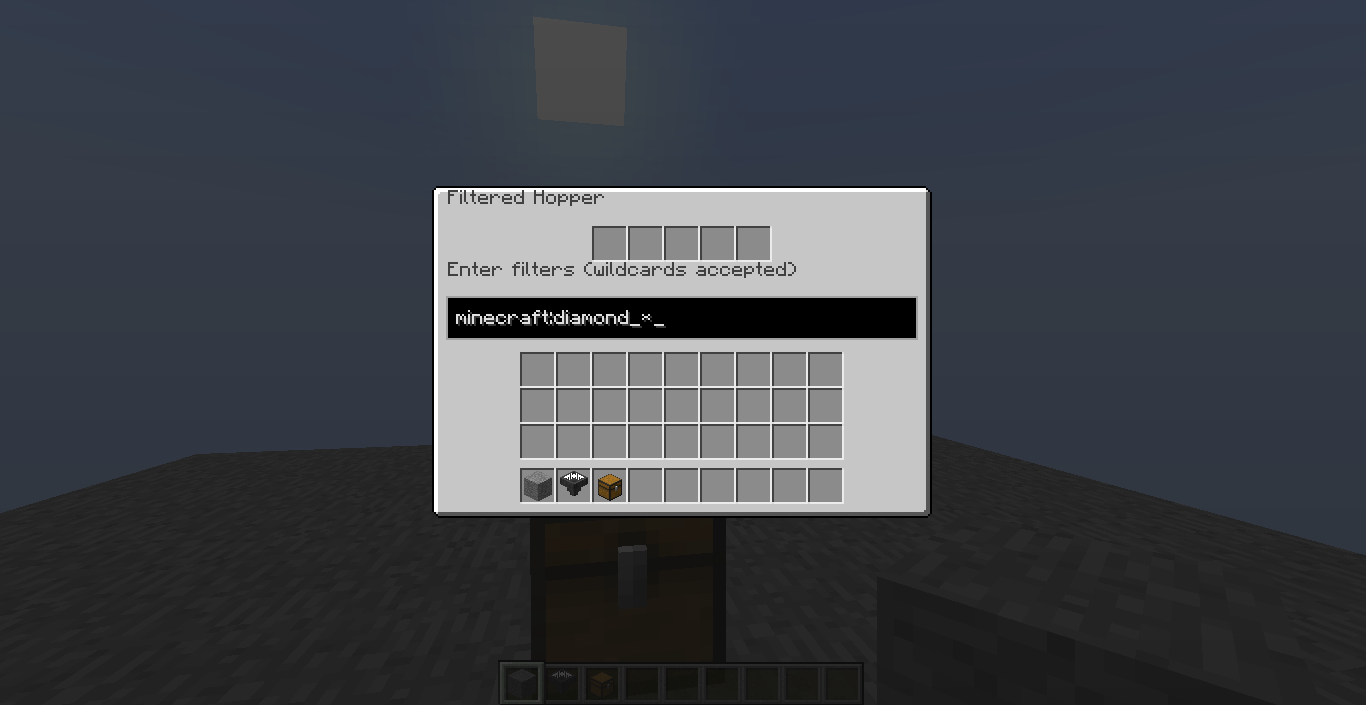
By entering a filter into the GUI, you can change what this block will be able to pull from above it.
Some notes:
- The filter you enter must be Namespaced ID (i.e.
minecraft:diamond) (You can see them in your inventory by doing F3+H and hovering over items in game.) - You can use
*character to filter multiple items (i.e.minecraft:diamond_*will filter every diamond item, except diamond; andsome_mod_name:*will filter every item from the specified mod.) - If you don't define a namespace (the part before
:), it will be defaulted tominecraft. - You can define multiple filters by seperating them with
,(i.e.minecraft:gold_ingot,minecraft:iron_ingot) - When NOT powered by redstone, it will allow only if the item is in filters. When powered, it will allow only if the item is NOT in filters.
- Filters you enter affect both dropped items and, if exists, inventory above the Filtered Hopper.

Add a comment