

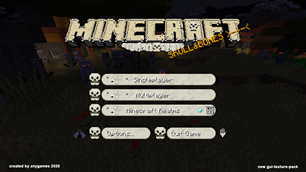
 Get 0.05 TON 💎
Earlier Versions
| Name | Size | Uploaded | Game Version | Downloads | |
| Skull&Bones release | 1.04 MB | Oct 23, 2020 | 1.16.4 | 61 |  Download Download |
Screenshots


Description
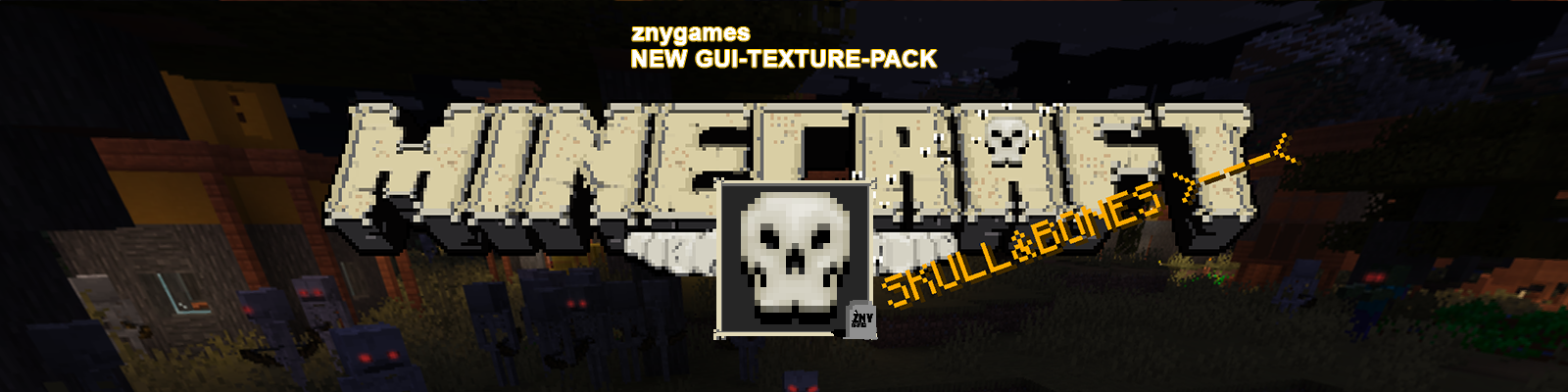
Skull&Bones☠️🦴 is a gui texture pack for minecraft 1.16.
You can use it on a minecraft java edition.
Download the .zip pack and get a new gui for minecraft.
Description:
Skull&bones☠️🦴 is a gui texture pack that will change your hub overlay, the background and all gui-icons at the game. Like the names says its this time full of bones 🦴🦴🦴 and skulls ☠️☠️☠️.🎃 Halloween aproved! Overlay change also at hoardcore or creative mode. Usefull for minecraft sky block.
With Skull&Bones☠️🦴 the overlay of container will change too. All litte animaitions like furnace get new graphics but dont forget its only the gui that will change, its not a mod. The new graphics are all shrinked and have lower size as the normal one graphics. You get more FPS and a better gameplay.
GUI-Changed at:
Background Picture, Hub Overlay, Advancements Overlay,
Container, Creative Mode Overlay, Hardcore Mode Overlay,
Spectator Mode Overlay, Survival Mode Overlay,
Adventure Mode Overlay
☠️
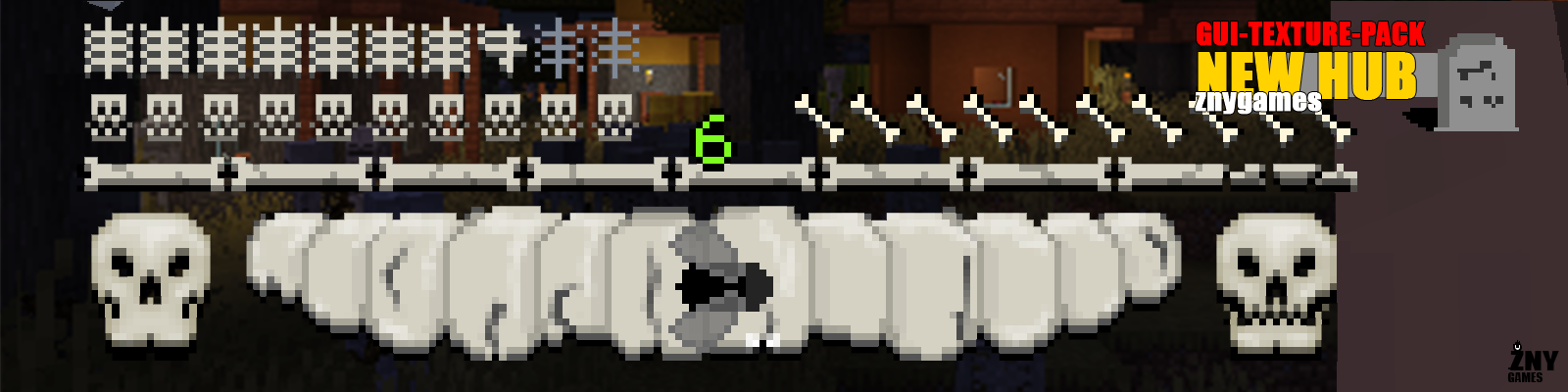
NEW HUB OVERLAY
☠️
💝 VISIT ME:
(っ^▿^)۶🍸🌟🍺٩(˘◡˘ ) www.patreon.com/znygames
(っ^▿^)۶🍸🌟🍺٩(˘◡˘ ) www.youtube.com/zadro0
☠️

Perfekt for FPS
Less MB for optimal Play
SEE MORE HERE: SHOWCASE
☠️
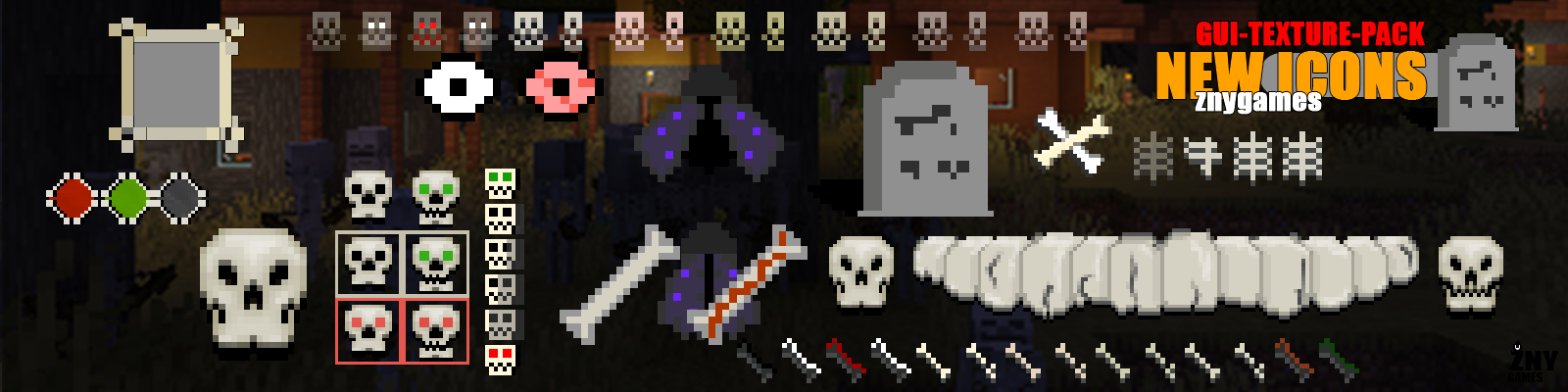 NEW ICONS
☠️
INFO:
GUI-TEXTURE-PACK - Minecraft1.16
Download: 1.06 MB
Forum Thread: SKULL&BONES
Files that have been edited:
⦁ GUI:
⦁ accessibility.png
⦁ bars.png
⦁ book.png
⦁ checkbox.png
⦁ demo_background.png
⦁ icons.png
⦁ options_background.png
⦁ recipe_book.png
⦁ recipe_button.png
⦁ resource_packs.png
⦁ server_selection.png
⦁ spectator_widgets.png
⦁ stream_indicator.png
⦁ toast.png
⦁ widgets.png
⦁ world_selection.png
⦁ ADVANCEMENTS
⦁ tabs.png
⦁ widgets.png
⦁ window.png
⦁ CONTAINER:
⦁ anvil.png / patreon gift
⦁ beacon.png
⦁ blast_furnace.png / patreon gift
⦁ brewing_stand.png
⦁ cartography_table.png
⦁ crafting_table.png
⦁ dispenser.png
⦁ enchanting_table.png
⦁ furnace.png
⦁ gamemode_switcher.png
⦁ generic_54.png
⦁ grindstone.png
⦁ hopper.png
⦁ horse.png / patreon gift
⦁ inventory.png
⦁ loom.png
⦁ shulker_box.png
⦁ smithing.png
⦁ smoker.png
⦁ stats_icons.png
⦁ stonecutter.png
⦁ villager2.png / patreon gift
⦁ CREATIVE INVENTORY:
⦁ tab_inventory.png
⦁ tab_item_search.png
⦁ tab_items.png
⦁ tabs.png
⦁ TITLE:
⦁ minecraft.png
⦁ BACKGROUND:
⦁ panorama_0.png
⦁ panorama_1.png
⦁ panorama_2.png
⦁ panorama_3.png
⦁ panorama_4.png
⦁ panorama_5.png
⦁ TEXT:
⦁ splashes.txt
☠️
INSTALL VIDEO:
1) Download texture pack
2) Start Minecraft and click on "Options"
3) Click "Resource Packs…"
4) Click "open resource packs folder"
5) Insert texture pack (as .zip folder or as unpacked folder)
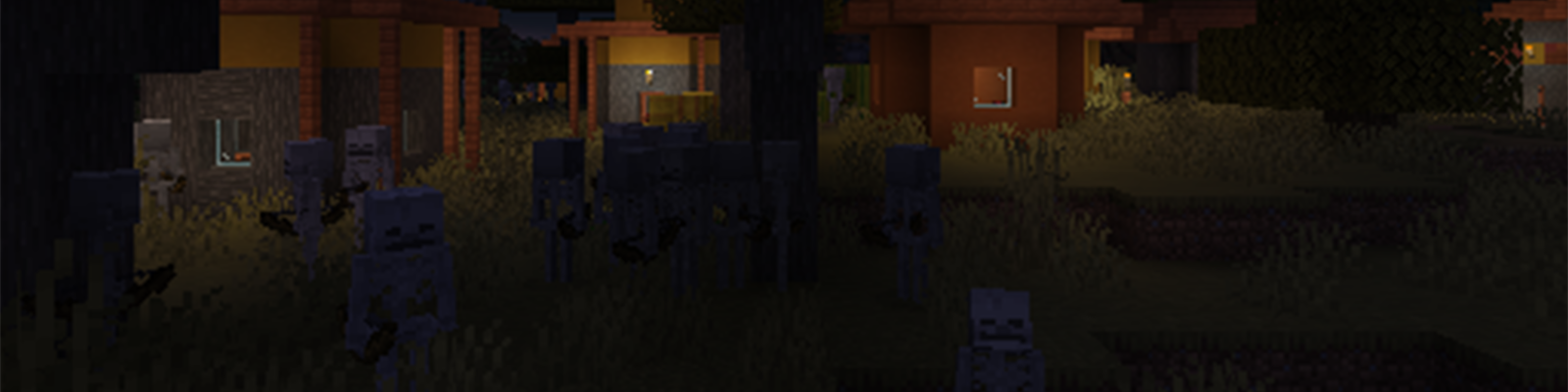
LAST GUI-TEXTURE-PACK: COLORFULL POT

🎨🎨🎨🎨🎨🎨🎨🎨🎨🎨🎨🎨🎨🎨🎨🎨🎨🎨🎨🎨🎨🎨🎨🎨🎨
🎨🎨🎨🎨🎨🎨🎨🎨🎨🎨🎨🎨🎨🎨🎨🎨🎨🎨🎨🎨🎨🎨🎨🎨🎨

🎨🎨🎨🎨🎨🎨🎨🎨🎨🎨🎨🎨🎨🎨🎨🎨🎨🎨🎨🎨🎨🎨🎨🎨🎨

☠️☠️☠️

Add a comment